


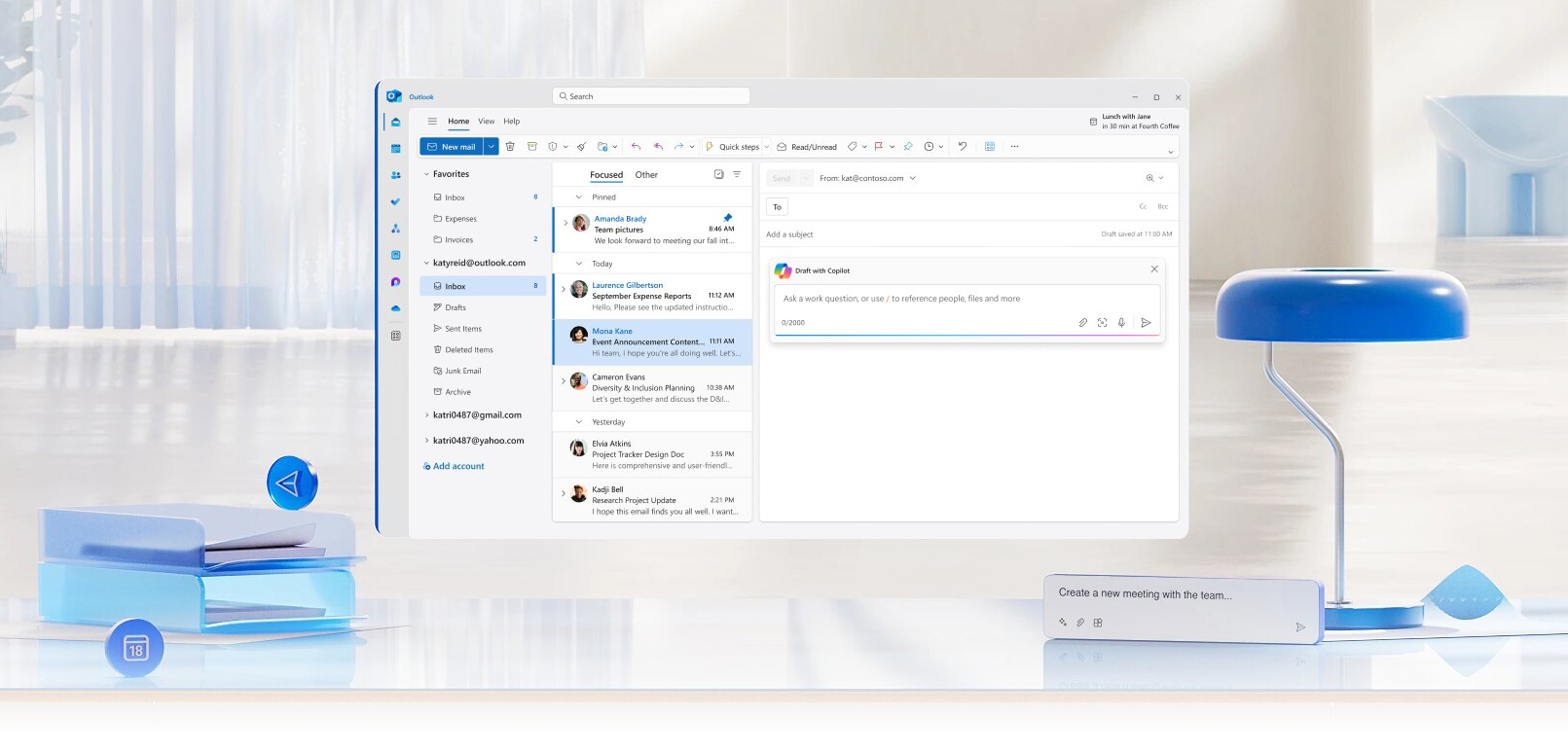
Copilot for Outlook
Catch up, prepare, and follow-up with ease in Outlook.
Copilot for Microsoft 365 is your everyday artificial intelligence (AI) companion, meant to bring the power of generative AI to work and life.
Copilot for Microsoft 365 is available for full-time faculty members, full-time staff members, and graduate students. With Copilot, you can draft emails, create documents, summarize information, and even generate creative content such as poems and stories. Offering Copilot to our faculty, staff, and graduate students allows us to gather valuable feedback and ensures that Copilot meets the unique needs of our University community.
 Instructional Video: How to Opt-In
Opt-In to Copilot for Microsoft 365 Opt-Out of Copilot for Microsoft 365
Important: To opt-in, toggle on the opt-in slider, and then click the "Submit" button.
You will receive an email confirmation once your request has been received.
Note: Once your Copilot for Microsoft 365 license is enabled, there may be a delay of up to 72 hours before Copilot is visible within all of the Microsoft 365 applications.
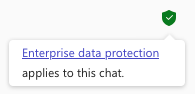 IMPORTANT: Copilot for Microsoft 365 includes data protection when you are signed in with your University of Miami account. You can confirm this by checking for the green Protected shield within Microsoft applications. If the shield is not visible, sign in to your Microsoft applications and complete the login process with your UM credentials. When the green shield appears, Copilot searches are de-identified and your data is protected!
Select different reasoning models, like Claude or GPT-5. FYI – Copilot's complex reasoning agents, Researcher and Analyst, are restricted to a maximum of 25 combined queries per user per calendar month. If a user exceeds the 25-query monthly limit, they will be prompted that they have run out of responses.Want to access Copilot for Microsoft 365 (Premium) features via Copilot Chat?
Access Agents, like Researcher and Cowork (Frontier).Simply visit:
Sign up for a Lunch and Learn session!
Quick Links: Overview - Create with Copilot - Tutorials - Training - Prompt Gallery - FAQs - Feedback and Tech Support
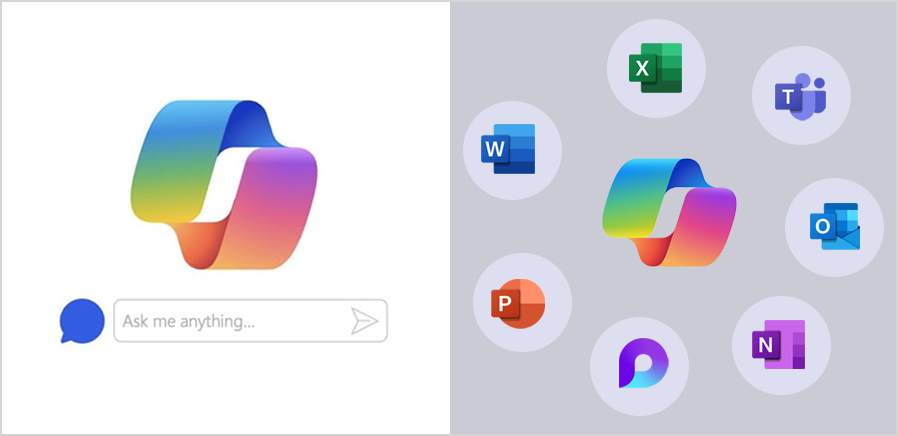
Copilot for Microsoft 365 applications is distinct from Copilot on the Web. While all University of Miami users currently have access to Copilot on the Web, access to Copilot for Microsoft 365 is being implemented in a phased approach targeting specific communities within the University.
Watch this video to discover how Microsoft 365 Copilot is revolutionizing the way we work. With its advanced AI capabilities, Copilot opens a new world of possibilities—simplifying tasks to amplify your impact.
Overview
Catch up, prepare, and follow-up with ease in Outlook.
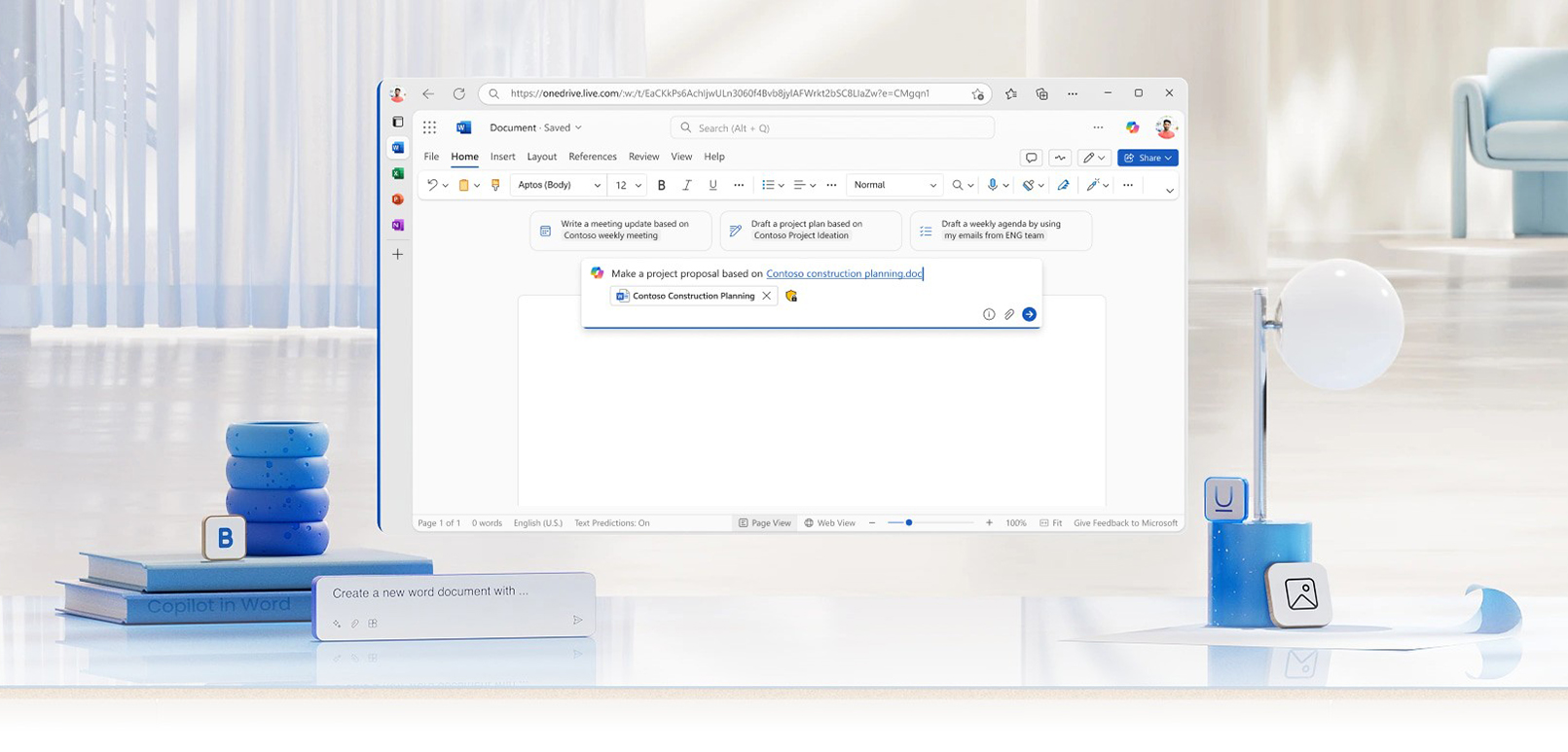
Explore how you can use the power of AI within Word.
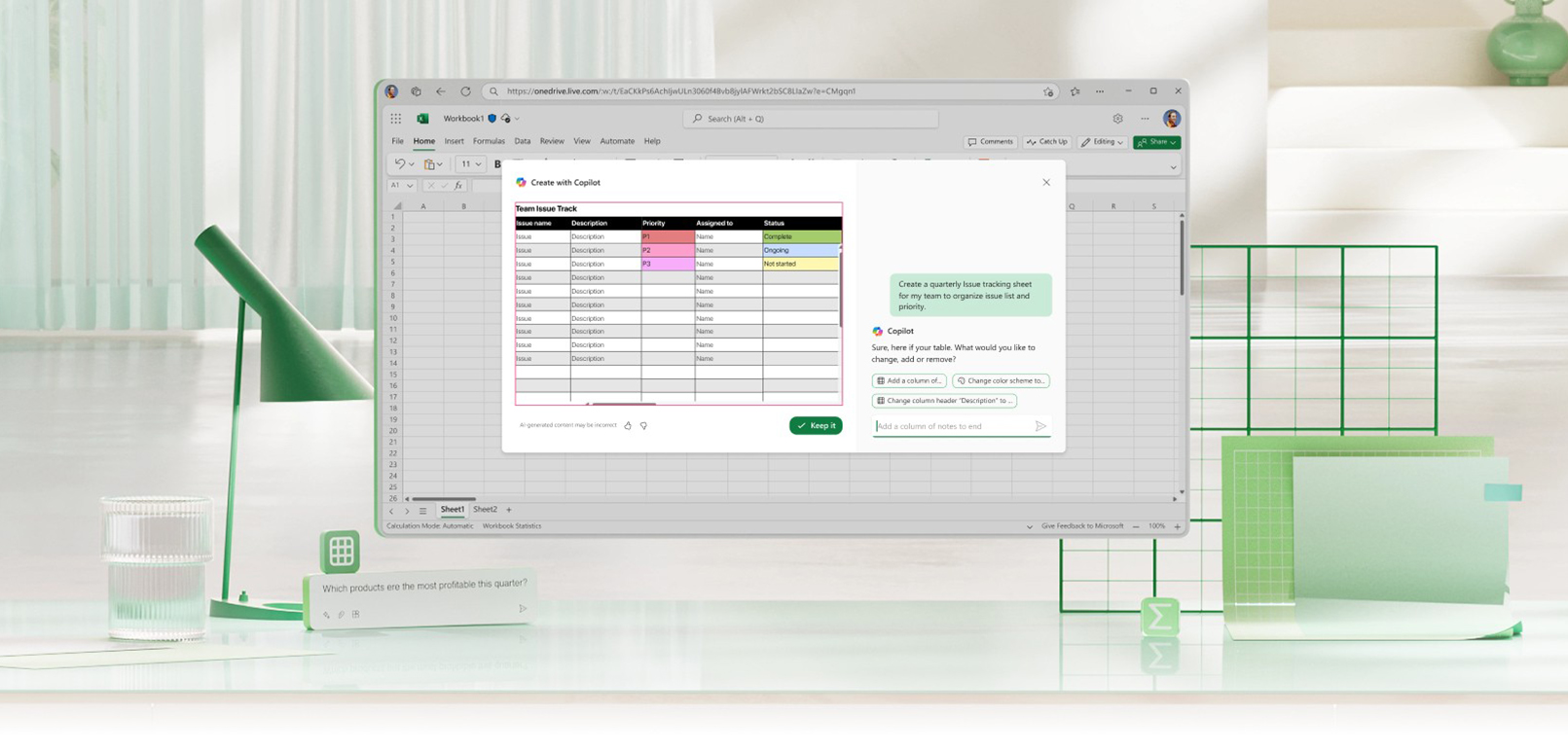
Analyze, understand, and visualize your data in Excel with ease.
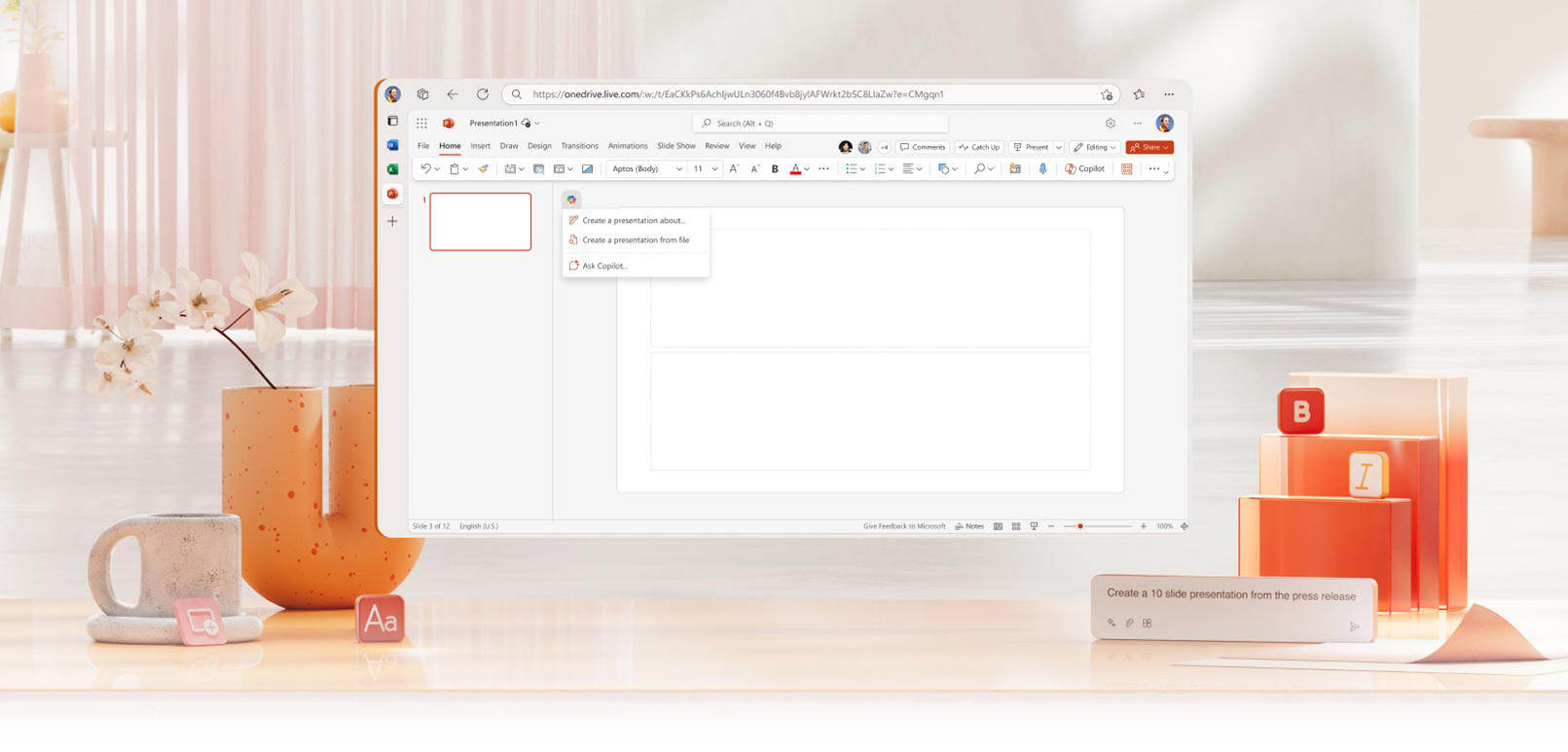
Turn your inspiration into professional PowerPoint presentations.
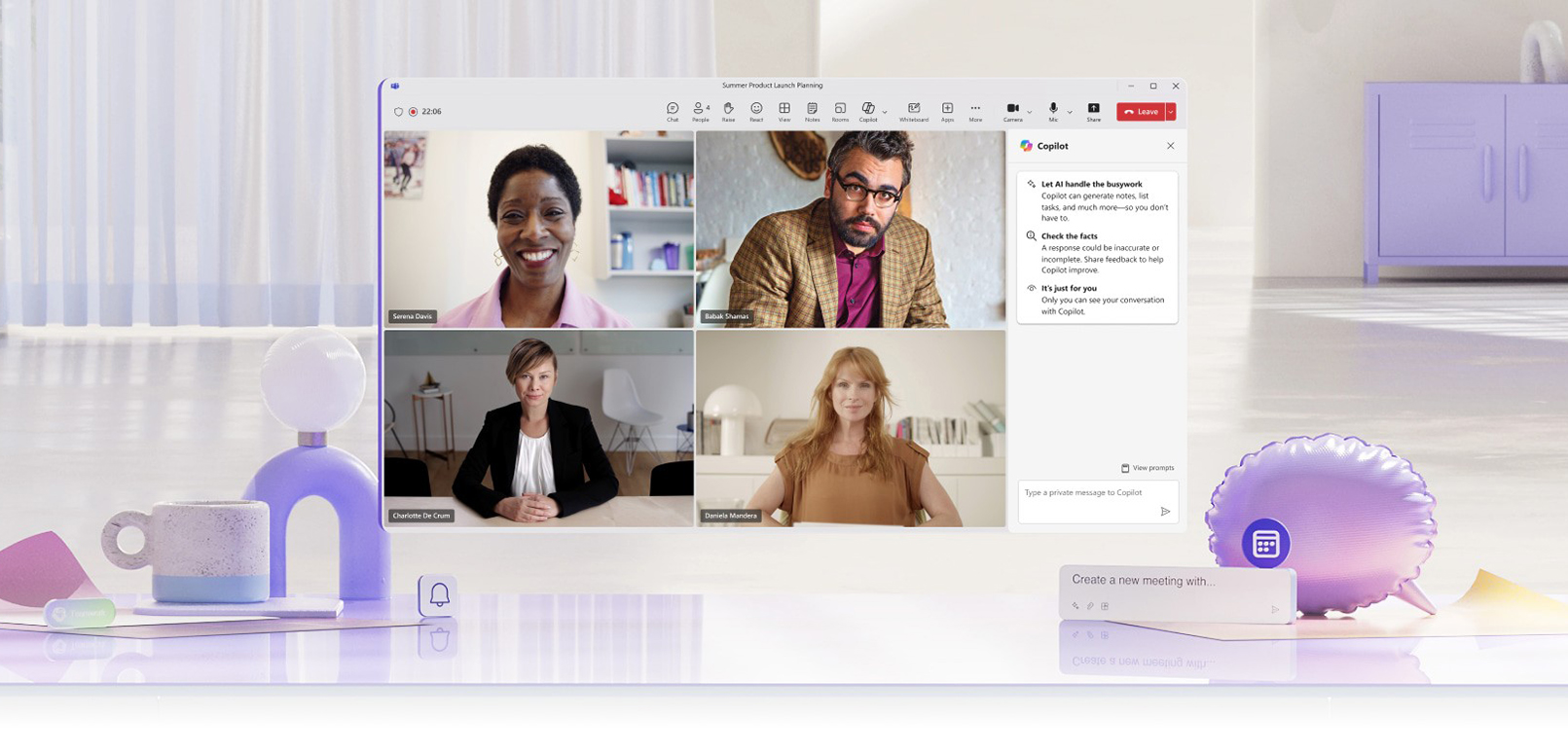
Transform your Teams experience with the power of AI.
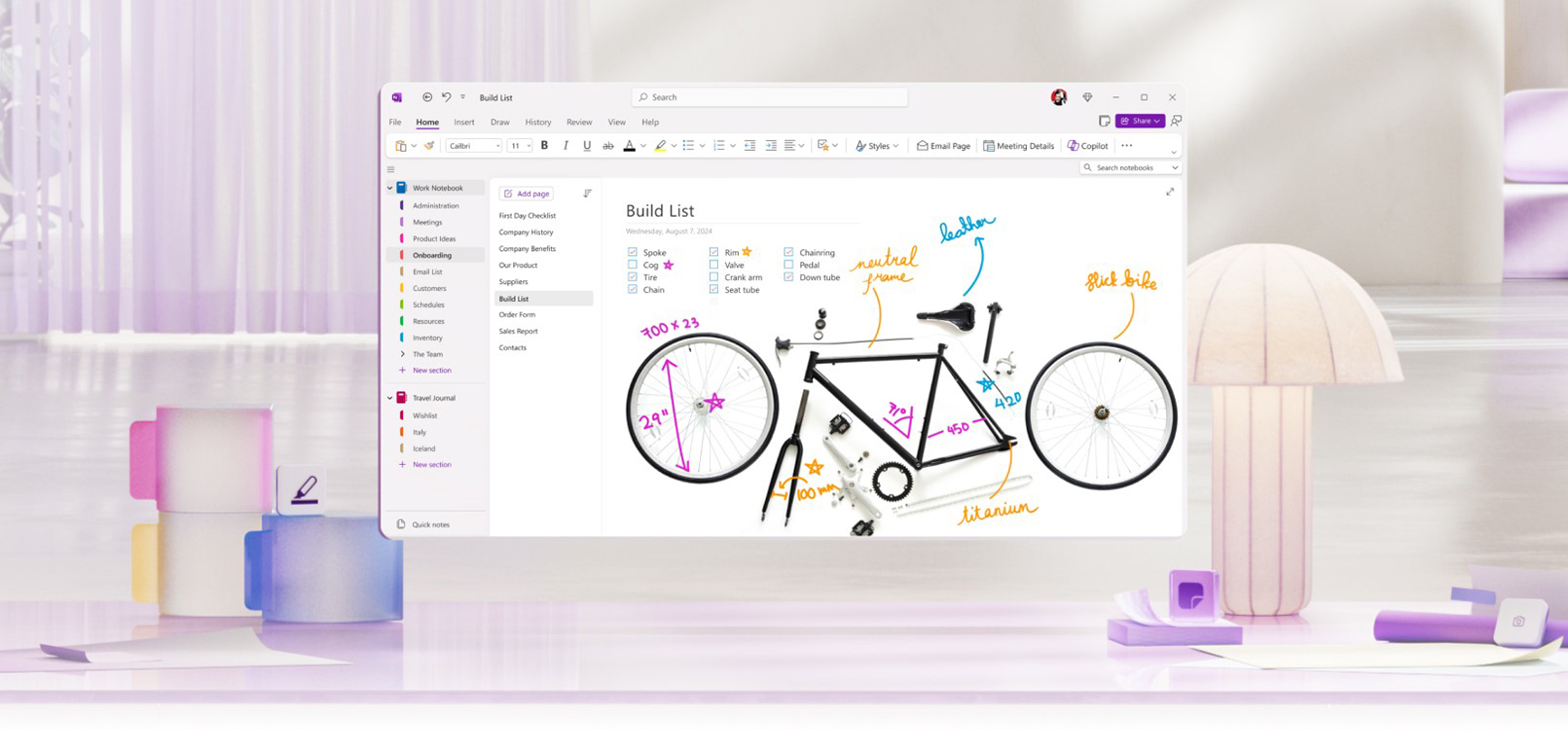
Chat with Copilot in OneNote and supercharge your productivity.
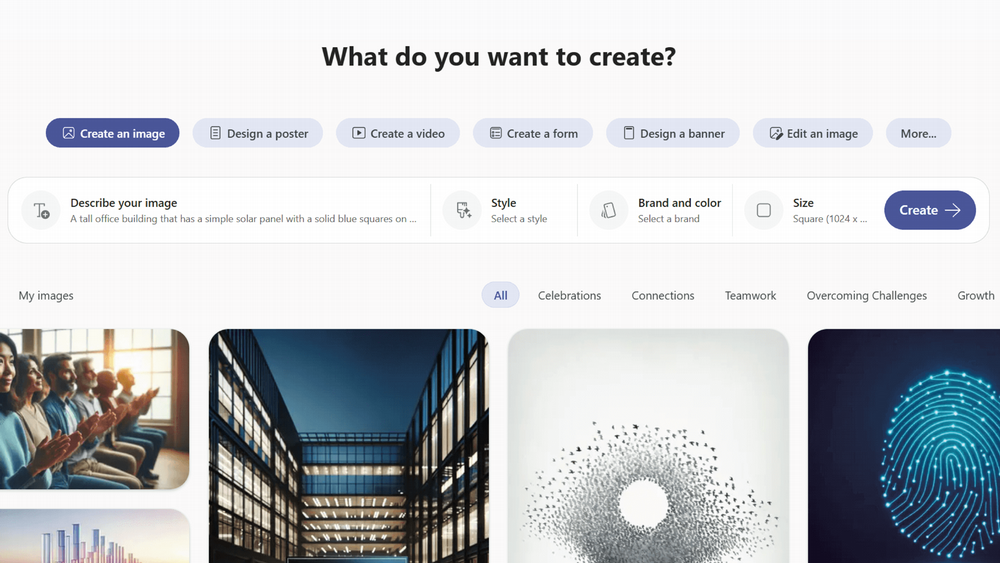
Create is your AI-powered content creation hub in Microsoft 365. Quickly generate and refine videos, images, documents, banners, and other creative assets using natural language prompts—no design or editing experience required.
Explore what you can create, key benefits, and how to get started with Create in Copilot:
Join us for a series of lunch and learns exploring the latest Copilot for Microsoft 365 capabilities—from Copilot Studio and project management to roadmap insights and Claude with Copilot. Each session is designed to help you get more from Copilot and bring AI-powered efficiency to your daily work.
Spring/Summer 2026 Lunch and Learn Sessions
Date
Time (EST)
Session
Access Link
Description
Thursday, April 16
12:00 PM
Copilot Studio/Meet Agent Mode
Watch the Session Video
Introduction to Copilot Studio with a focus on Agent Mode, including how agents can be configured to handle common scenarios and workflows.
Thursday, April 30
12:00 PM
Copilot for Project Management
Watch the Session Video
Demo‑driven session on how Copilot can support project planning, task tracking, and status reporting across Microsoft 365 tools.
Thursday, April 30
3:00 PM
M365 Roadmap
Watch the Session Video
Walkthrough of Copilot Agent workshops, covering prerequisites, use cases, and how to get teams started quickly.
Thursday, May 14
12:00 PM
Getting Started With Copilot Agent Workshops
Watch the Session Video
Learn how you and your department can create agents with your documents and super power your collaborate skills
Thursday, May 28
12:00 PM
Meet the Copilot Notebook/Claude with M365 Copilot
Watch the Session Video
Overview of Copilot Notebook experiences and how large language models like Claude can be used alongside M365 Copilot for research and synthesis.
Thursday, May 28
3:00 PM
M365 Roadmap
Watch the Session Video
Recap and forward look at the Microsoft 365 roadmap, emphasizing changes relevant to end users and IT decision makers.
You'll find a curated collection of video tutorials and specialized guides that walk you through practical use cases. Whether you're looking to draft emails, summarize documents, create presentations, or boost collaboration, these resources provide step-by-step instructions and expert tips. You'll also gain access to advanced techniques like prompt crafting and productivity strategies, plus links to free online courses for deeper learning—all designed to help you integrate AI into your daily workflow with confidence and ease.
Tutorials and Online Courses
The Copilot for Microsoft 365 tutorials page is your gateway to learning how to make the most of this AI tool.
Want to learn more about key features and benefits of Copilot, and how it integrates seamlessly with Microsoft 365 to assist you in various tasks? Watch video replays of recent webinar sessions to gain insights on how to make the most out of Copilot for Microsoft 365:Fall 2025 Webinar Series
During this webinar, learn how to:
During this webinar, learn how to:
During this webinar, learn how to:
Start your Copilot journey—find Copilot prompts to boost your productivity. Note: AI-generated content may be incorrect, so sources are provided for your review when possible.
Prompt Gallery
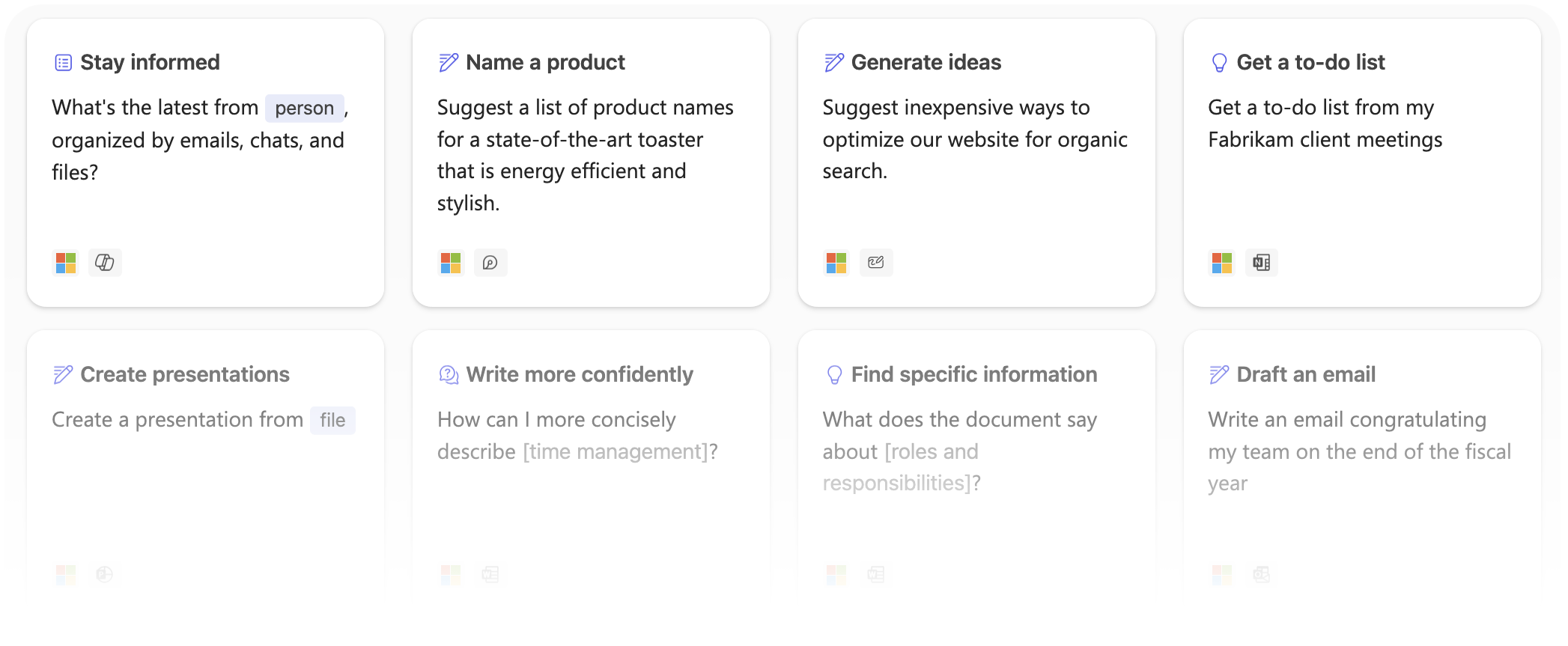
...and much more!
If you have started using Copilot for Microsoft 365, we'd love to hear about your initial impressions: please take a few minutes to complete the feedback survey. Your experience is valuable to us as we continue to improve and refine this innovative tool for our University of Miami community. To share general feedback about Copilot, please email ai@miami.edu. For 24/7 technical support, please contact the IT Service Desk.
Share Feedback and Get Support
Have Feedback? Share with the AI Team
Need Help? Technical Support is Available 24/7
