


Save Hours on Your Research
Deep Research
With Gemini's Deep Research, you can get detailed reports with citations on any topic in minutes and ask follow-up questions to sharpen your insights.
Learn more about Gemini, Google's artificial intelligence (AI) chat feature available for use at the University of Miami.
Important:
Gemini is not HIPAA compliant yet. Gemini unlocks generative AI for capabilities around asking questions and generating responses from the web. It does, however, have some limitations, such as conducting custom searches within University of Miami firewalls. If you need any assistance around similar examples, or other potential use cases surrounding generative AI, please reach out to ai@miami.edu.
Available for: UM faculty, staff, and students (ages 18+)
Login: gemini.google.com
Sign in with your University of Miami credentials (view example)
Gemini was created by Google, and it was built from the ground up to be multimodal; this means that Gemini can generalize and seamlessly understand, operate across, and combine different types of information—including text, code, audio, image, and video. University of Miami students, faculty, and staff can access Gemini by visiting gemini.google.com. Check for the blue banner that says "You now have added data protection..." on the top of the Gemini experience page. (See example below.) If you do not see the banner, click Sign in, then sign in with your UM Login ID, password, and MFA (view example). Gemini for education includes added data protection—this means that the data you share within Gemini is only used for responses to your prompts. Your data is not used to train or improve Gemini or other generative AI models.
Overview

Did you know? You have access to Nano Banana, the leading image generation AI model, through Gemini on the web! Simply access Gemini with your University of Miami account and click "Create image" to get started.
With Gemini's Deep Research, you can get detailed reports with citations on any topic in minutes and ask follow-up questions to sharpen your insights.
Gems are customized versions of Gemini that you can personalize to be experts on any topic. Get started with a premade Gem, or create your own custom Gem—no coding required.
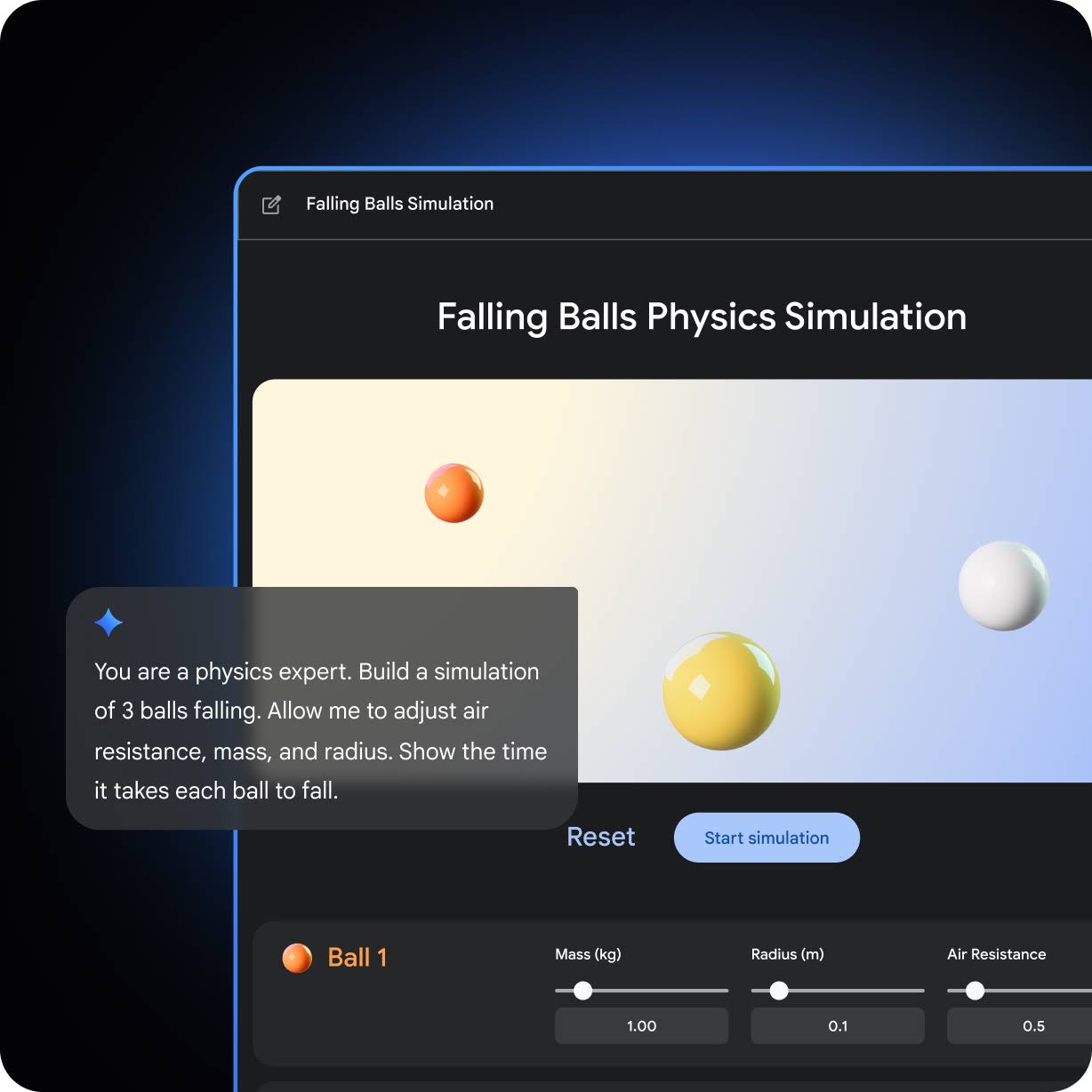
Write, code, create—all in one interactive space. Collaborate with Gemini to create quizzes, practice tests, study guides, visual timelines, interactive prototypes, code snippets and scripts, and more. Go from a blank slate to dynamic previews in minutes.
Turn any file—even your Deep Research reports—into a podcast that you can listen to anytime, anywhere. Just use Deep Research with 2.5 Pro to gather insights, then instantly transform them into a podcast.
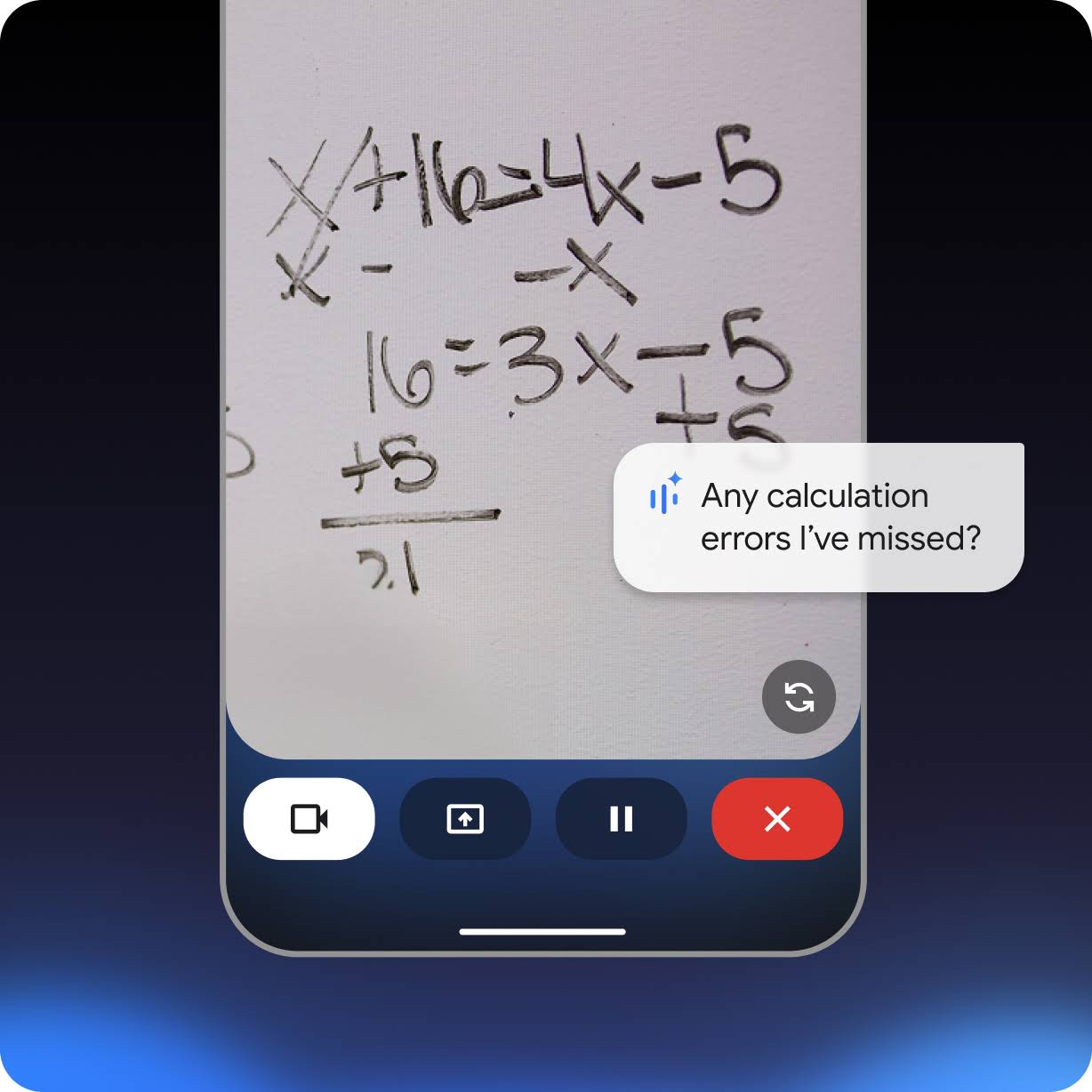
Brainstorm ideas out loud, simplify complex topics, and rehearse for presentations with real‑time responses. Share your camera or screen with Gemini to get tailored help breaking down difficult concepts.
The questions that you ask Gemini, including any input information or code you want Gemini to analyze or complete, are called prompts. The answers or code completions that you receive from Gemini are called responses. When you ask Gemini, you should include as much context and specific detail as possible. Because AI-generated responses are based on a vast range of possibilities, it is important for you to be precise. For the best results, your prompts should not exceed 4,000 characters.
Prompt Suggestions
Below are six ways to provide helpful context and detail in your prompts.
For more information, review the full Gemini support article.

Do not enter only keywords as you might when searching for a document online, but include the kind of detail you would include when explaining a problem to someone. For example, instead of entering the terms "workload GKE," ask a complete question: "What kinds of workloads does GKE support?"

Details about what you are trying to accomplish can help Gemini provide a more useful answer. For example, telling Gemini that you want to "set up a simple, secure CMS site for hosting a blog" has more helpful details than only asking "how to deploy a website." Because there are often multiple correct ways to accomplish a technical goal, providing Gemini sufficient context can help ensure a good response.

For example, when you ask Gemini to generate code functions, you are likely to produce a more useful and detailed response by telling it to "make sure all methods use their required arguments."

It is especially helpful to match your prompt request with your expertise level when you ask for a suggestion. Asking Gemini to explain a concept or code as if you are an expert programmer—or a novice programmer—can give you different, and more appropriate, results.

If you are looking for answers about a specific product, technology, or technical capability, include that in your prompt. Similarly, specifying a programming language can help you get more relevant responses. If you are unsure about what technologies or products to consider, ask Gemini to compare different options for you.

Writing separate prompts can help Gemini refine and focus the answers that it gives, helping you move progressively toward a solution.
Prompts to Gemini's standard "fast model" are unlimited. This high-speed model is used for everyday tasks like summarization, email drafting, and quick facts. Advanced Gemini features have per user daily or monthly limits:
Feature
Per User Usage Caps
Gemini Thinking Model
300 prompts per day
Gemini Pro Model
100 prompts per day
Nano Banana Image Generation
100 images per day
Nano Pro Image Generation
3 images per day
Deep Research
5 reports per month
Audio Overviews
20 overviews per day
Gemini marks the next phase of Google's journey to making artificial intelligence (AI) more accessible for everyone. Gemini was developed to recognize, understand, and combine different types of information including text, images, audio, video, and code. Its state-of-the-art performance gives it remarkable new capabilities that is user-friendly for anybody. Plus, it's built with safety and responsibility at its core. Video: Introducing Gemini – Google's Largest and Most Capable AI Model
Gemini's sophisticated multimodal reasoning capabilities can help make sense of complex written and visual information. This makes it uniquely skilled at uncovering knowledge that can be difficult to discern amid vast amounts of data. Its remarkable ability to extract insights from hundreds of thousands of documents through reading, filtering and understanding information will help deliver new breakthroughs at digital speeds in many fields from science to finance.
Gemini was trained to recognize and understand text, images, audio, and more at the same time, so it better understands nuanced information and can answer questions relating to complicated topics. This makes it especially good at explaining reasoning in complex subjects like math and physics.
Gemini can understand, explain and generate high-quality code in the world’s most popular programming languages, like Python, Java, C++, and Go. Its ability to work across languages and reason about complex information makes it one of the leading foundation models for coding in the world.
For technical support, visit Google's Gemini Apps Help site: support.google.com/gemini For general inquiries, contact the IT Service Desk.
Technical Support
