

Notebooks with Copilot in Microsoft 365

Explore Copilot Notebooks—your AI-powered workspace for projects, research, and collaboration:

What Is a Copilot Notebook?

How Do Copilot Notebooks Work?

What About NotebookLM?

What About Security & Data Protection?


What Is a Copilot Notebook?

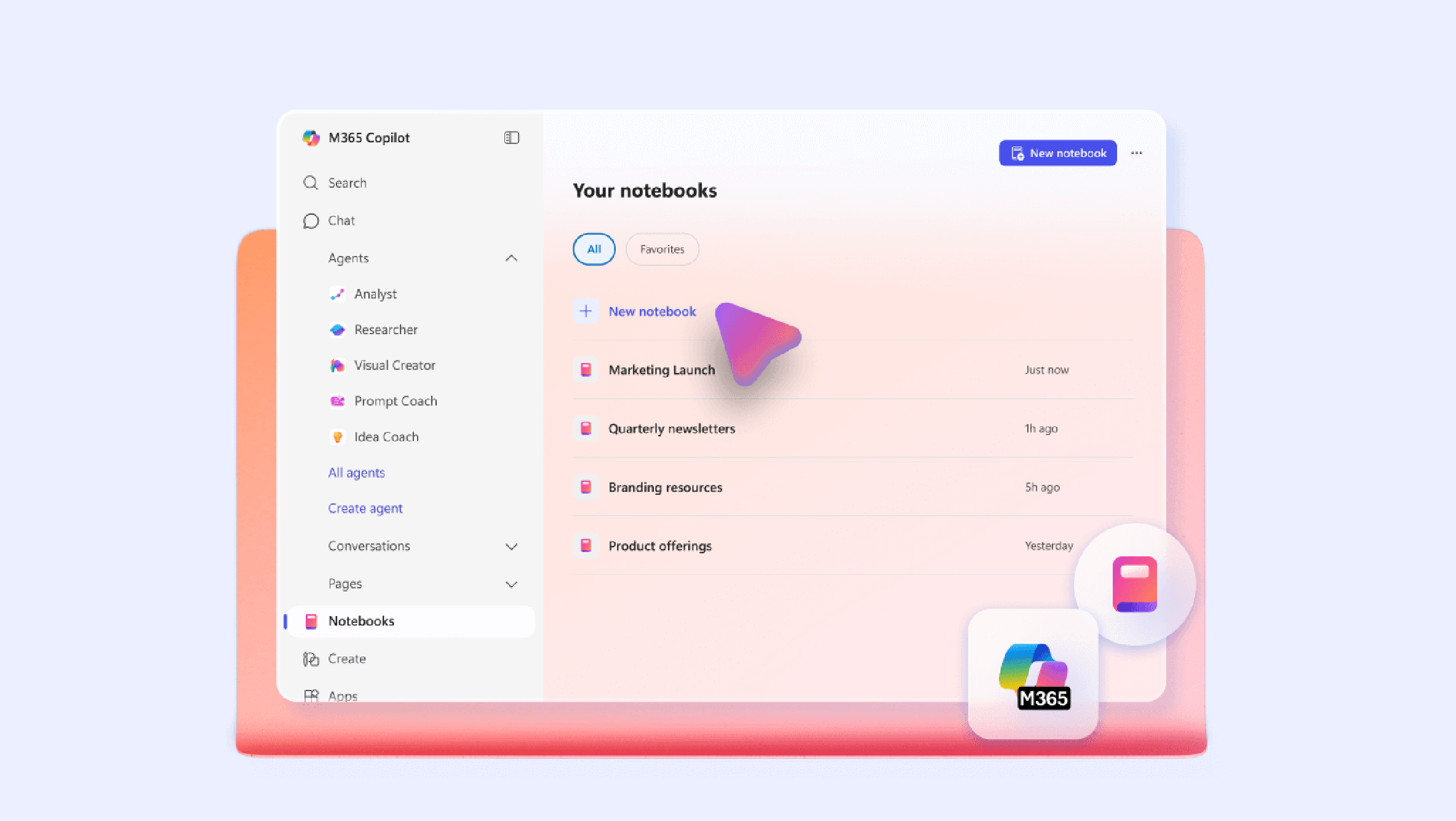
A Microsoft 365 Copilot Notebook is an AI-powered workspace where you can add files for Copilot to analyze and work with.

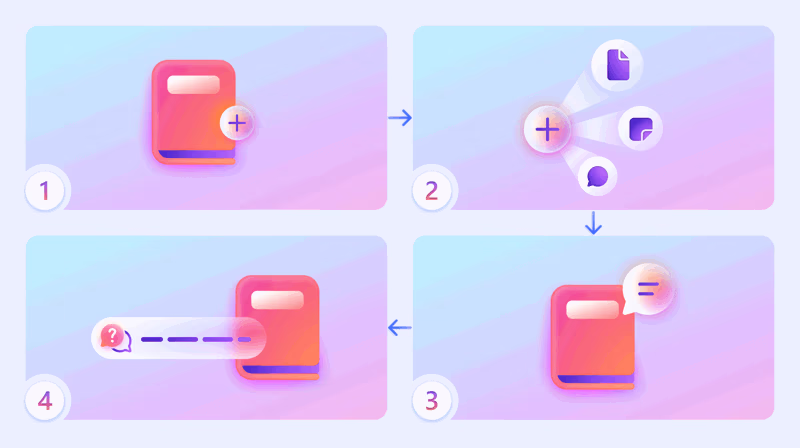
Bring everything into one workspace: 

Documents

Copilot Chats Meeting Notes Links OneDrive Files
Copilot analyzes your added files to help you:
  • Summarize ideas
  • Identify insights
  • Generate drafts based on your content
Sample Prompts

"Summarize key takeaways from strategy deck and meeting notes."
"Draft a market plan using uploaded product brief and customer feedback."


How Do Copilot Notebooks Work?

Cards

Icon
Getting Started

1. Sign in: Visit m365.cloud.microsoft/chat and sign in using your UM credentials.

2. Open Notebooks: On the left menu, select Notebooks, then choose All Notebooks.

3. Create a notebook: Select New Notebook and give it a name.

4. Add references: Submit files, meeting notes, chats, pages, or links.

5. Review suggested content: Copilot may suggest other files to consider.

6. Ask Copilot to: Summarize, analyze, or draft from your resources.
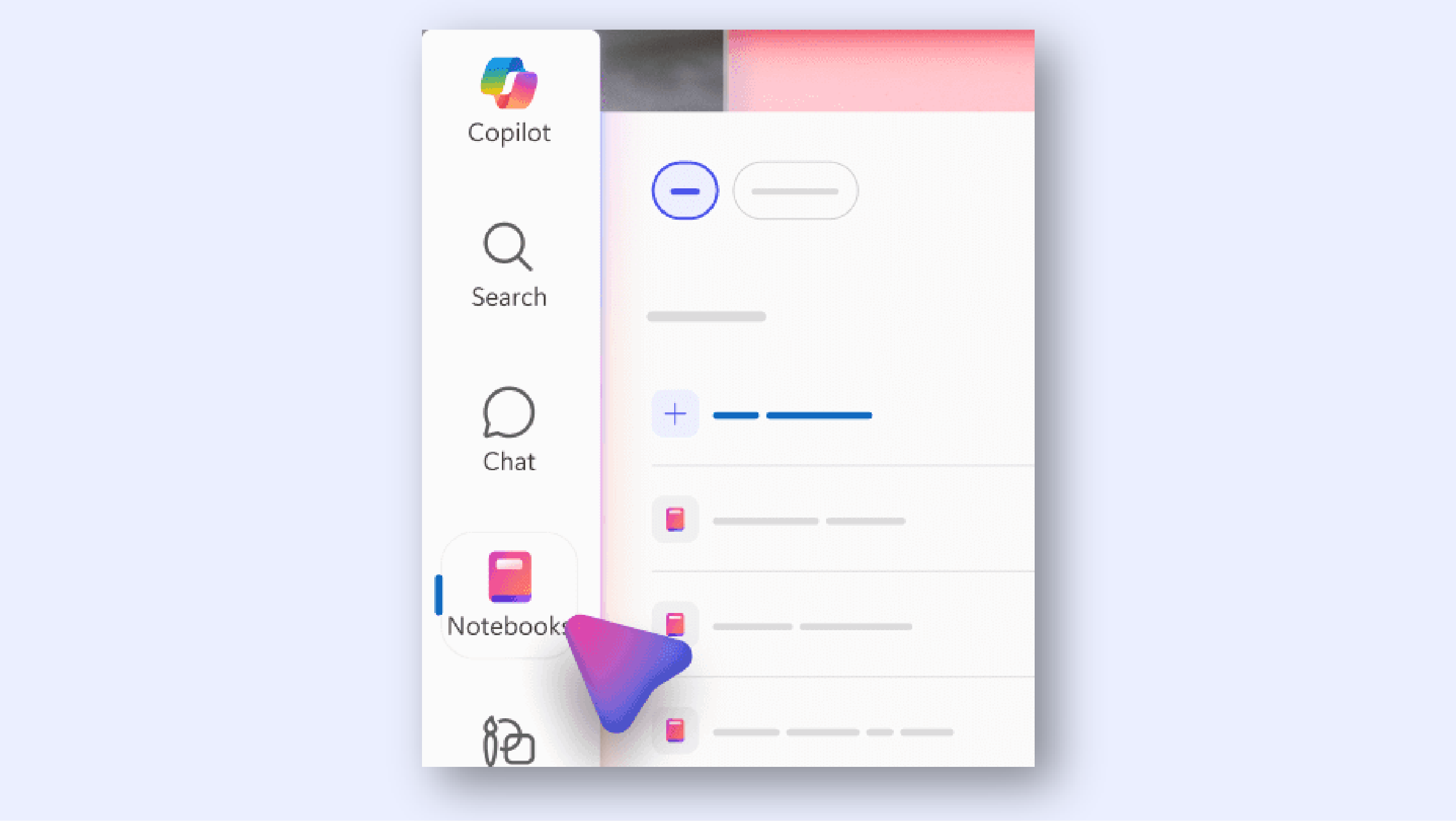
Start Using Copilot Notebooks
Icon
Ways to Work With Your Notebook

Summarize and analyze — Ask Copilot to extract key points, identify themes, or summarize.

Draft content — Generate emails, plans, reports, and other content from your added references.

Personalize responses — Set instructions such as tone or format to shape how Copilot responds.

Catch up on the go — Use audio overviews to review content while away from your screen.

Learn More About Using Notebooks


What About NotebookLM?

Both Copilot Notebooks and NotebookLM can analyze documents and generate insights. However, they are designed for different workflows.

Cards

Copilot Notebooks

Microsoft 365 AI-powered workspace

  • Organizes project knowledge in one place
  • Generates drafts, summaries, and insights
  • Supports collaboration with your team

Integrated with Microsoft 365 tools:

  • Word
  • Excel
  • PowerPoint
  • OneNote
  • Outlook
  • Teams
NotebookLM

Google’s AI-powered research assistant

  • Analyzes uploaded documents
  • Provides cited answers based on sources
  • Creates study tools like mind maps and audio overviews

Common sources include:

  • PDF documents
  • Websites
  • YouTube videos
  • Uploaded files

Choosing the Right Tool

If your work already lives within the Microsoft 365 ecosystem, Copilot Notebooks provide a persistent AI workspace connected to your files, meetings, and collaboration tools.


What About Security & Data Protection?

Review how Copilot protects your data.

Accordion Group

Open All Tabs
  • Copilot Notebooks Do Not Use Your Data to Train Foundational Models

    Prompts, responses, and data accessed through Microsoft Graph are not used to train foundation LLMs, including those used by Copilot for Microsoft 365. This helps safeguard sensitive information and ensures data is not used for advertising or other unintended purposes.

    Other services may use prompts, responses, and data to train their models, which could expose business data, intellectual property, or personal information.

  • Copilot Notebooks Adhere to Strict Protection and Privacy Standards

    Prompts and responses are covered by Microsoft’s Data Protection Addendum (DPA) and Product Terms, with Microsoft acting as a data processor. Customer data is processed only according to the instructions provided by the organization, maintaining the confidentiality, integrity, and availability of the data.

    Other services may have vulnerabilities that researchers have shown can be exploited or bypassed through jailbreaking techniques.

  • Copilot Notebooks Help Uphold Data Residency Requirements

    The data used by Copilot for Microsoft 365—including prompts, responses, and citations—resides within your geographical region. This helps organizations meet Microsoft processing commitments and comply with regional regulations such as GDPR and EU Data Boundary requirements.

    Other services may store and process data worldwide or restrict data residency options to paid plans.

Top