



Generate Image
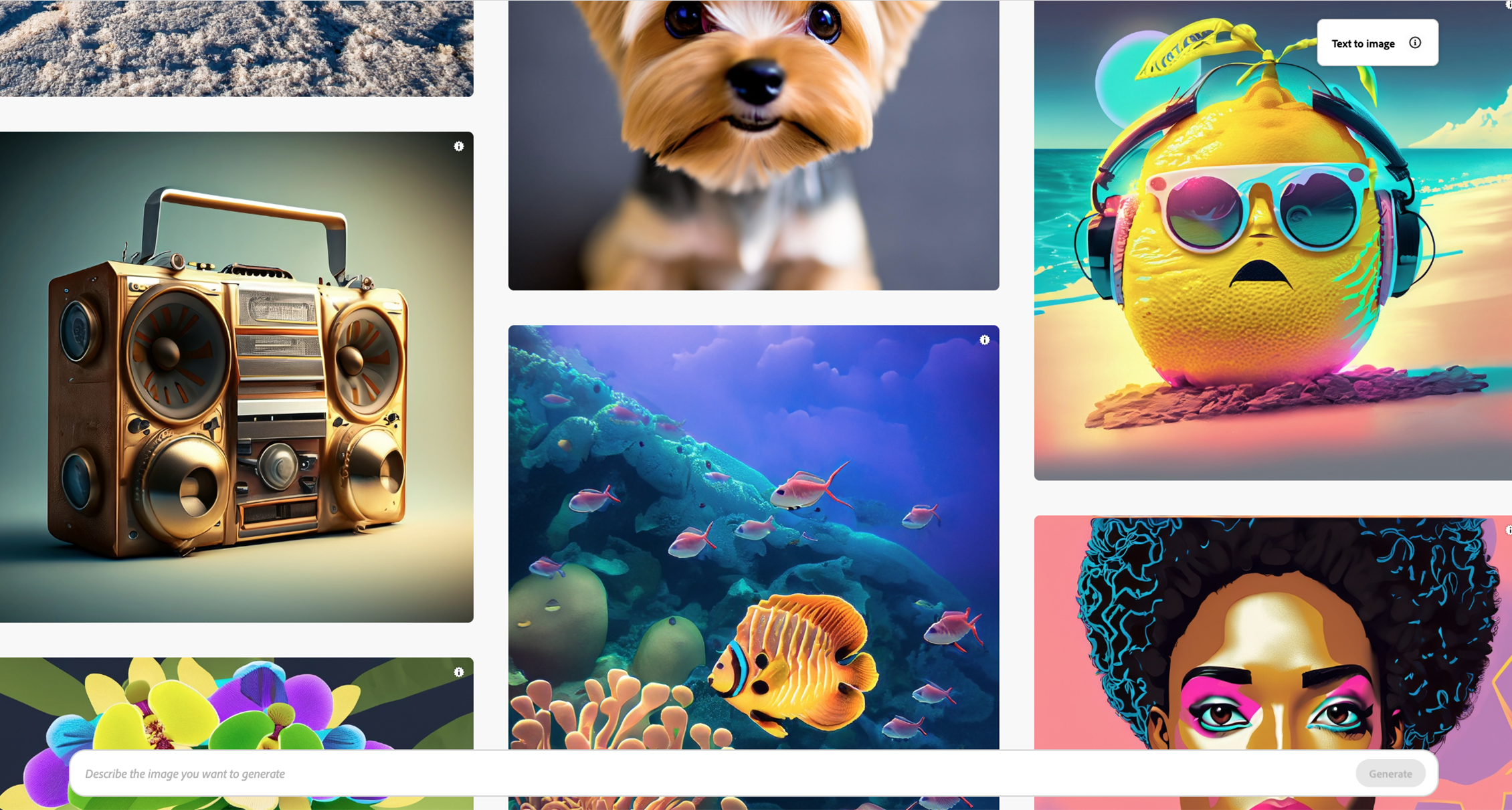
Bring your ideas to life with Generate Image. You can generate images quickly and easily, now with higher quality, more detail, and improved lighting and color. Learn more about AI image generator.
Available for: UM faculty, staff, and students (ages 18+)
Login: firefly.adobe.com
Sign in with your University of Miami credentials (details below)
University of Miami students, faculty, and staff can access Adobe Firefly by visiting firefly.adobe.com. Ensure you are signed in to the Internet browser* with your University of Miami credentials. You can also use Adobe Firefly within various Adobe Creative Cloud (CC) apps. Faculty – We invite you to learn more about how to effectively integrate Adobe Firefly in the classroom:Get Started with Adobe Firefly:
*Instructions to Access the Adobe Online Portal and Adobe Firefly:
Bring your ideas to life with Generate Image. You can generate images quickly and easily, now with higher quality, more detail, and improved lighting and color. Learn more about AI image generator.

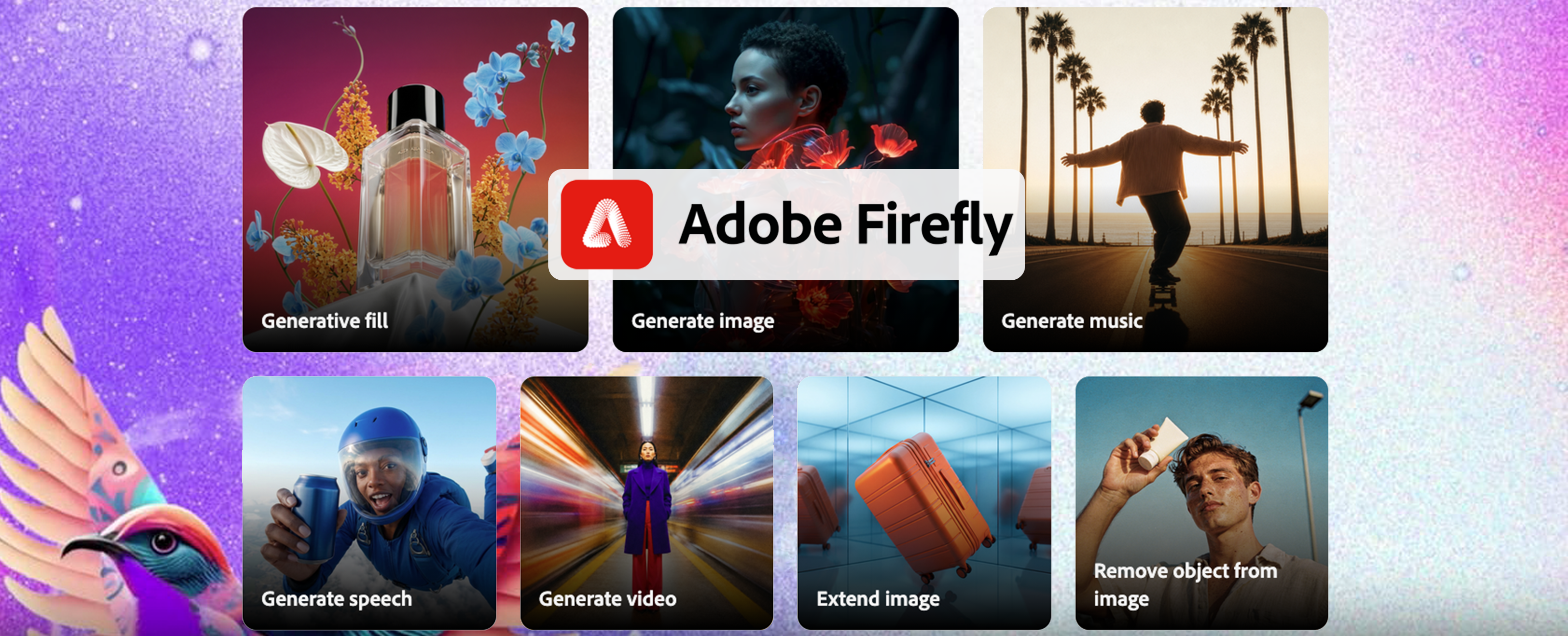
Remove items, expand backgrounds, upscale imagery, and more with full control. It's easy to make what you imagine in the Firefly image editor. Learn more about AI photo and image editing.
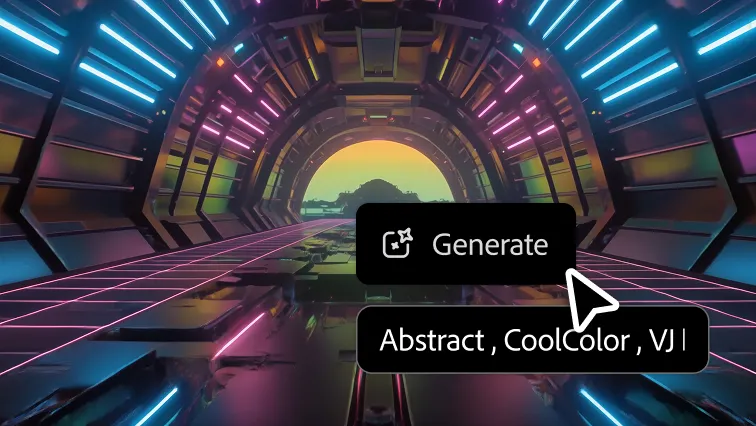
Generate video clips just from an idea. Choose from a range of resolutions and aspect ratios to meet your creative needs. Learn more about generating AI video.

Generate studio-quality music for your videos, licensed to use anywhere. Learn more about the AI music generator.

Generate professional-sounding voiceovers and narration for your content. Learn more about text to speech.
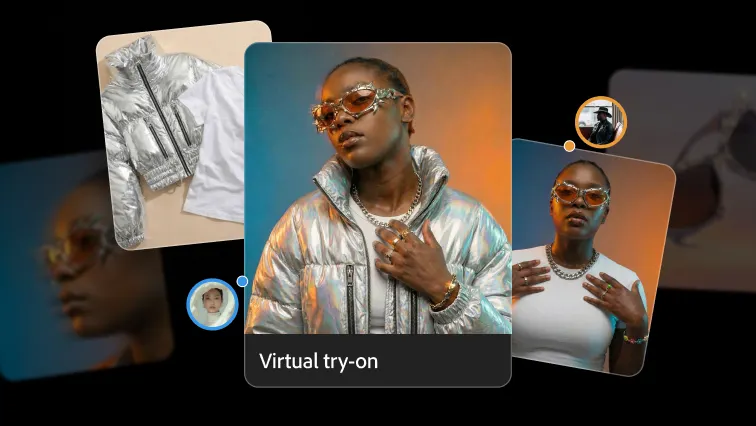
Walk step by step through creative processes with Quick Guides in Boards. Learn how to visualize apparel on models and more. Learn more about Firefly Boards.
Explore All Adobe Firefly FeaturesFive Ways You Can Use Adobe Firefly:
Create custom images for presentations, websites, and communications. Generate original images from a text description instead of searching stock photo libraries. You can create visuals tailored to a specific topic, audience, color scheme, or style.
Edit and enhance existing images. Firefly can remove backgrounds, replace unwanted objects, expand image borders, apply new styles, and generate new elements within an image.
Generate short videos from text or images. Create video clips by describing a scene or animating an existing image. This can be useful for promotional content, social media, or visual storytelling.
Create audio content. Generate voiceovers and original music tracks directly within Firefly. This can help bring presentations, announcements, training content, and videos to life.
Design scalable graphics and creative assets. Firefly can generate vector artwork that remains sharp at any size, making it useful for diagrams, illustrations, icons, and design projects.
Make amazing transformations in seconds with tools powered by Firefly generative AI. Create images with just a few words, unlock endless color combinations, and make eye-popping text effects.
Find Firefly Inside Adobe Apps:
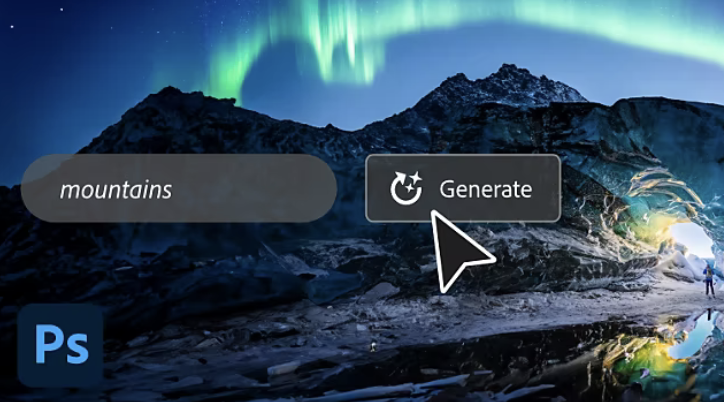
Use a simple text prompt to add, extend, or remove content from any image, then get it pixel-perfect using the tools you know and love.
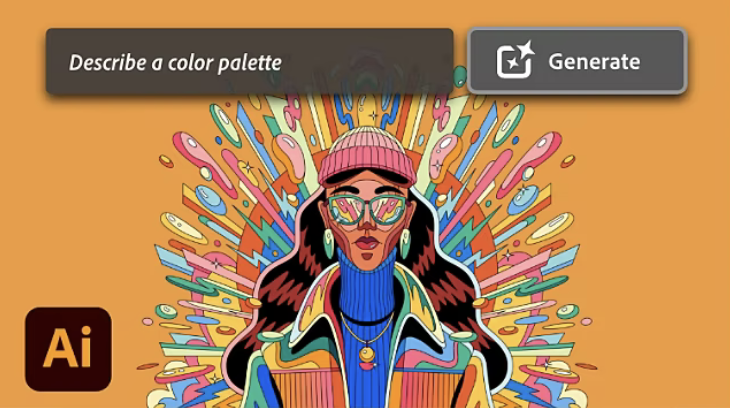
Use words to explore any color palette or theme you can imagine and recolor vectors instantly.
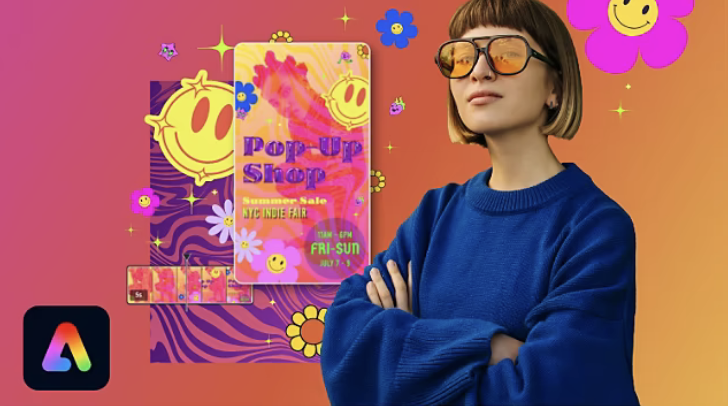
Design flyers, resumes, and reels with the all-in-one Adobe Express. Stand out with amazing artwork generated by Adobe Firefly AI.
Firefly is the new family of creative generative AI models coming to Adobe products, focusing initially on image and text effect generation. Firefly will offer new ways to ideate, create, and communicate while significantly improving creative workflows. Firefly is the natural extension of the technology Adobe has produced over the past 40 years, driven by the belief that people should be empowered to bring their ideas into the world precisely as they imagine them.
Generative AI is a type of artificial intelligence that can translate ordinary words and other inputs into extraordinary results. While the conversation around this technology has centered on AI image and art generation, generative AI can do much more than generate static images from text prompts. With a few simple words and the right AI generator, anyone can create videos, documents, and digital experiences, as well as rich images and art. AI art generators can also be useful for producing "creative building blocks" like brushes, vectors, and textures that can add to or form the foundation of pieces of content.
AI generators like Firefly can enhance creativity by giving people new ways to imagine, experiment, and bring their ideas to life. Firefly is unique because Adobe intends it to be more than an AI text-to-image generator. As part of Creative Cloud, Firefly supplements the creative tools Adobe creators know and love with text-based editing and generation of a variety of media, from still images to video to 3D, as well as "creative building blocks" like brushes, vectors, textures, and more. For Firefly, the future vision is for creators to be able to use everyday language and other inputs to quickly be able to test out design variations, remove distractions from photos, add elements to an illustration, change the mood of a video, add texture to 3D objects, create digital experiences, and more—then seamlessly customize and edit their content using a combination of Firefly and other Creative Cloud tools.
As a type of generative AI technology, AI art generators work similarly to other types of artificial intelligence, which use a machine learning model and large datasets to be able to produce a specific type of result. With generative AI, anybody can use everyday language and other inputs to produce images, videos, documents, digital experiences, and more. Adobe Firefly will be built into Creative Cloud to give people the tools to both generate results quickly and customize them to fit their unique vision.
For support, please contact the IT Service Desk.
Technical Support
