


Images and Visuals
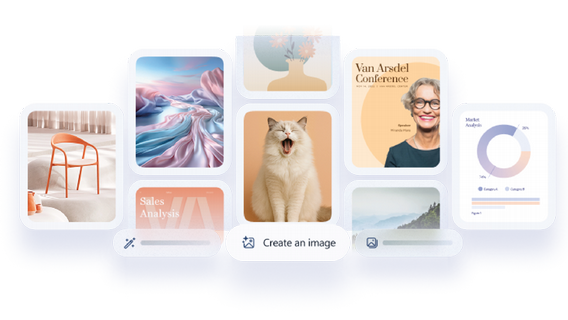
Generate custom images, graphics, banners, and visual assets from simple text prompts. Quickly create visuals for presentations, emails, web content, and communications.
Learn how to:
Create in Copilot for Microsoft 365 (M365) is your AI-powered content creation hub—designed to help you quickly generate and refine images, documents, banners, surveys, and videos without needing specialized design or editing skills. Access the Create experience via the M365 Copilot app in your browser or desktop: The Create experience* enables you to generate a variety of assets with simple natural language prompts—just describe what you want, and Copilot will craft it for you. (*Note: Use of Create requires Copilot for Microsoft 365 opt-in.)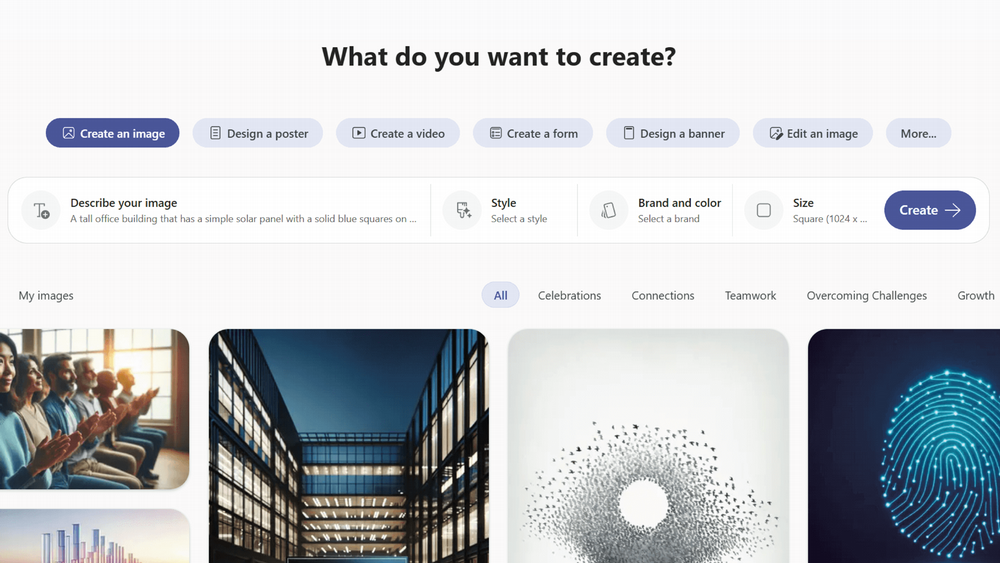
Quick Links: What You Can Create - Key Benefits of Create - Get Started with Create - FAQs
What You Can Create
Sign in with your University of Miami credentials:
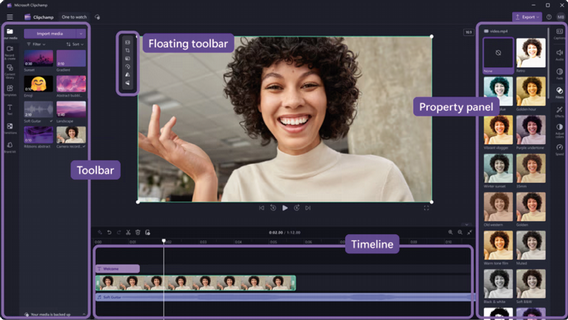
Turn ideas, scripts, or written content into short, engaging videos using AI-generated visuals, narration, and captions. Ideal for announcements, training, teaching, and storytelling—no video editing experience required.
 How to Create a Video using Copilot
Learn how to:
Generate custom images, graphics, banners, and visual assets from simple text prompts. Quickly create visuals for presentations, emails, web content, and communications.
Learn how to:
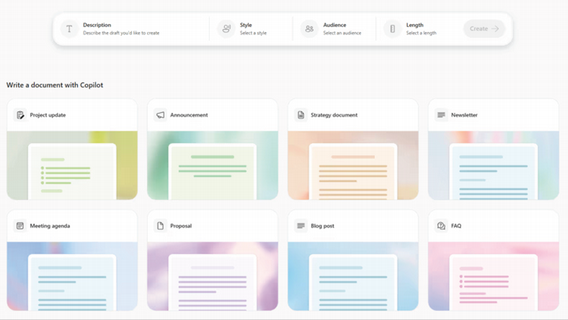
Draft structured documents such as briefs, proposals, summaries, surveys, and guides. Copilot helps organize content, refine tone, and create clear first drafts you can easily edit.
Learn how to:
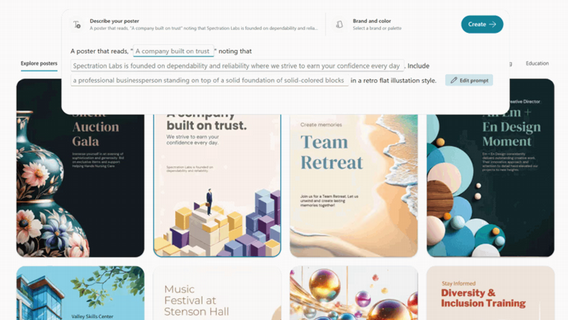
Create polished layouts for flyers, posters, newsletters, and promotional materials without needing design software. Perfect for internal communications and campus initiatives.
Learn how to:
The Create experience in Copilot for Microsoft 365 helps streamline content creation while empowering users to work faster, think creatively, and produce professional results. Simplifies content production. Boosts productivity. Supports many content types. Works with familiar tools. Encourages creativity and experimentation.
Key Benefits of Create
AI helps democratize creation so non-designers and non-editors can produce professional assets.
Where traditional workflows take hours or days, Copilot can generate first drafts in minutes.
Images, video, text, layouts, and banners—all from one interface.
Outputs are easy to export into Word, PowerPoint, Teams, SharePoint, email, and more.
Templates and adaptive prompts help you iterate and refine content rapidly.

To begin, make sure you are opted in to Copilot for Microsoft 365, as access to Create requires an active Copilot license.

Once enabled, visit the Create page and sign in using your University of Miami credentials.

Select the type of content you want to generate—such as an image, video, document, or design—and either enter a prompt or choose from available templates to get started.
You can review, refine, and edit what Copilot creates before exporting or sharing your final content across Microsoft 365. As with all AI-generated content, be sure to review your output for accuracy, clarity, and appropriateness before using it in academic or professional settings.
Create is an AI-powered workspace within Copilot for Microsoft 365 that helps you generate content such as videos, images, documents, designs, and other creative assets using natural language prompts.
No. While video creation is a featured capability, Create also supports images, visual designs, written content, layouts, templates, and more—all from a single interface.
To use Create, you must be opted in to Copilot for Microsoft 365. At the University of Miami, Copilot for Microsoft 365 is available to full-time faculty, full-time staff, and graduate students. If you haven't yet, you can opt-in to Copilot for Microsoft 365 today.
No. Create is designed for users of all experience levels. Copilot assists with structure, visuals, and formatting so you can focus on your ideas rather than technical tools.
After your Copilot for Microsoft 365 license is enabled, it may take up to 72 hours for Create and other Copilot features to appear across Microsoft 365 applications.
No. AI-generated content may contain errors or require refinement. Users are responsible for reviewing and validating content before sharing or publishing.
Yes. All content generated in Create can be reviewed, edited, refined, and regenerated before being shared or exported.
Copilot for Microsoft 365 follows Microsoft's enterprise-grade security, privacy, and compliance standards. Your data remains within the University's Microsoft 365 environment.
