



Productivity
Time is limited. That's why Copilot is always there with the intelligent assistance you need.

Learn more about Windows 11's built in artificial intelligence (AI) features.
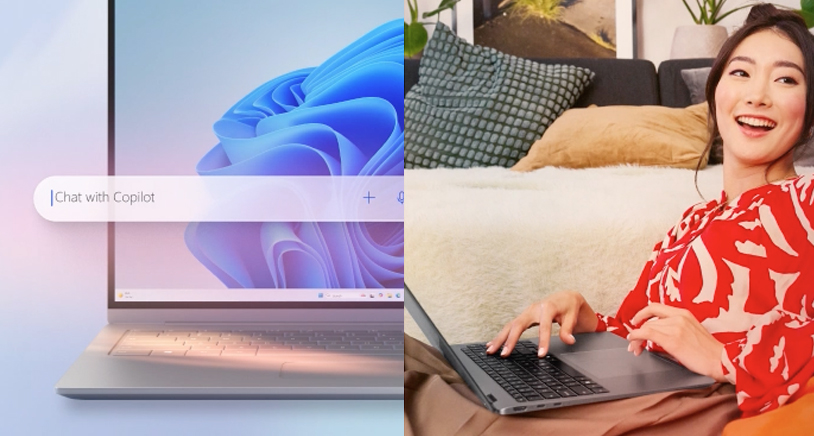
Available for: Devices running Windows 11
Time is limited. That's why Copilot is always there with the intelligent assistance you need.

Knowledge is power, and Copilot can get it to you faster.

Get support as you learn with AI tools across your Microsoft apps.

Make art with your vision and the help of AI creativity to match your ability.
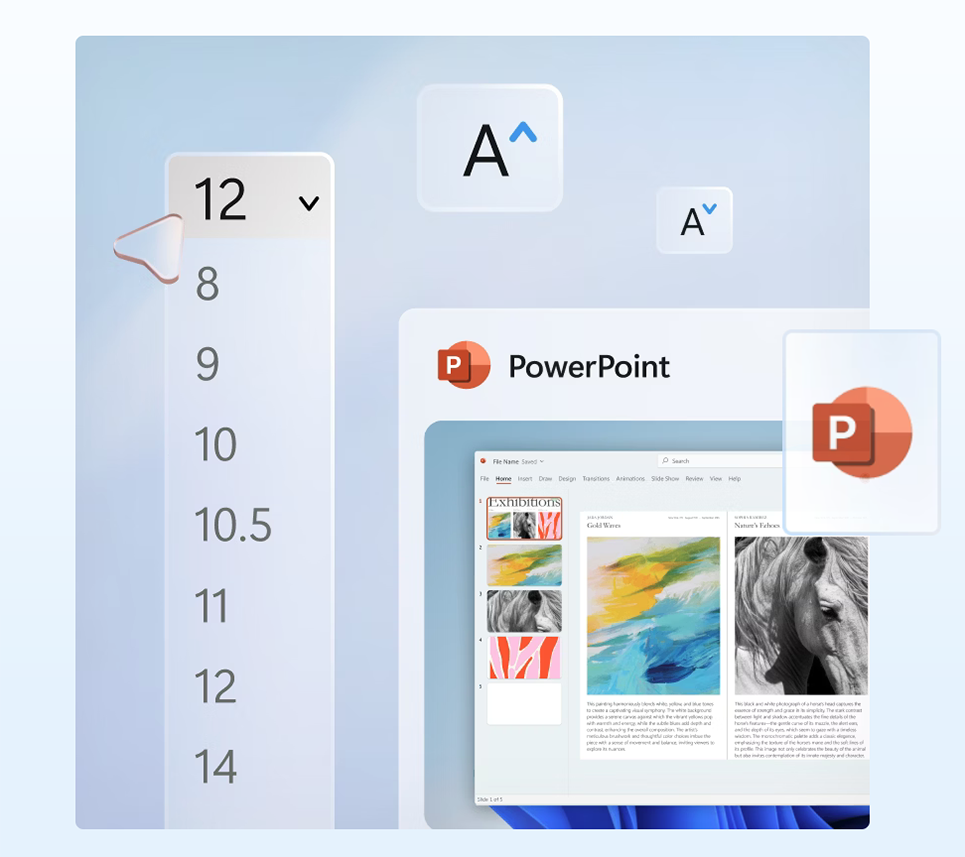
Focus on what matters while Copilot does the rest. With detailed prompts like, "Draft an informal email about..." or "Catch up on missed items," you can get more done and keep things on track with the help of AI and Microsoft 365. Presenting to a group? Ask Copilot what font is most legible. Need help organizing your PowerPoint? Copilot can do that, too.
You can click the "Copilot" icon on the taskbar or press Windows+C to open it.
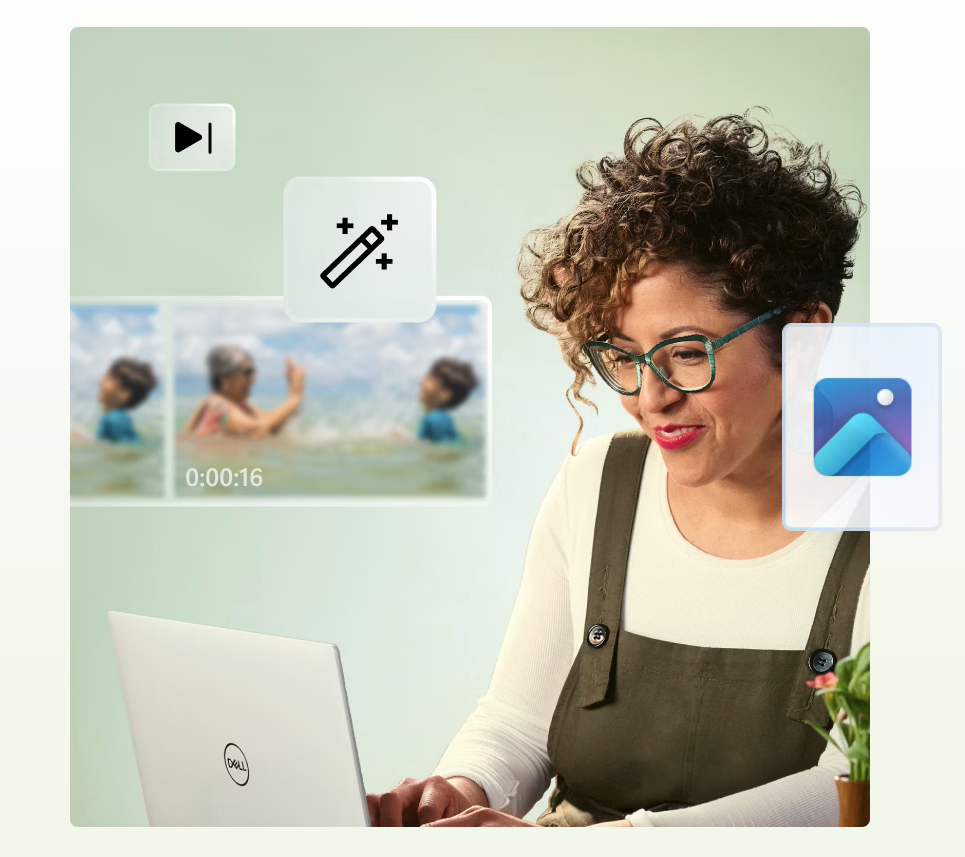
Use Copilot to help you plan, book, and prepare for a family getaway with text or voice prompts like, "What's a family-friendly hotel in Aspen?" After your trip, use Clipchamp or Video Editor to curate your digital memories into treasured keepsakes.
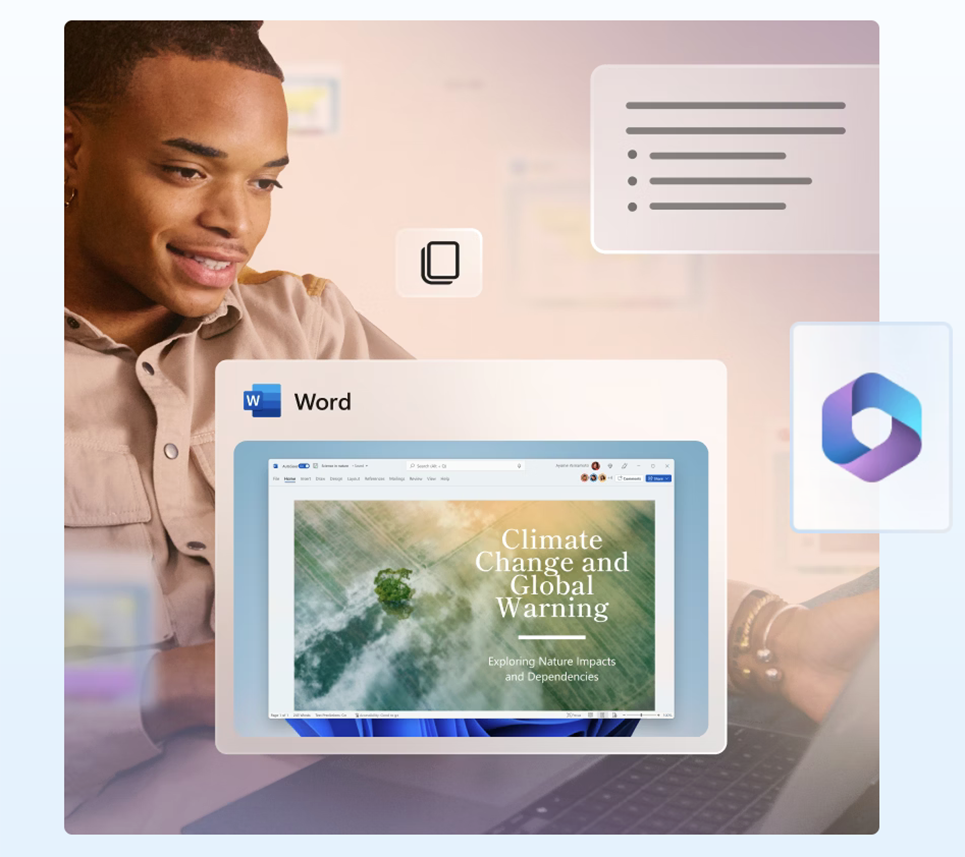
Get help when studying or with test prep using AI features in Microsoft 365. Simply use suggested prompts in Copilot or specific asks like, "Help me plan my study sessions to prepare for my Spanish test in two weeks" or "Summarize the key points from this research paper on climate change."
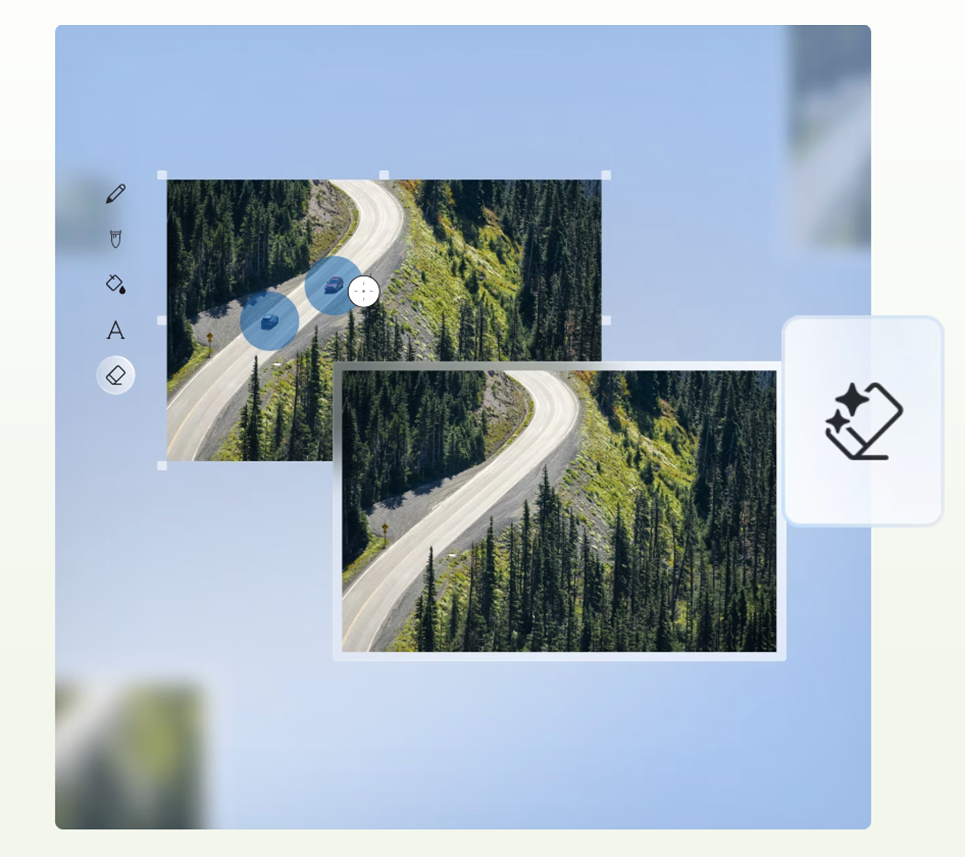
Create and edit images like a pro. With AI tools in Paint like Image Creator 23 and Background Removal, you can generate and iterate images with a prompt or edit existing photos to remove a background and isolate subjects.
If you launch Paint, you'll see a "Cocreator" button on the toolbar for that purpose.
For more information, visit Microsoft's AI features for Windows 11 site. For general inquiries, contact the IT Service Desk.
More Information and Technical Support
