Copilot for Microsoft 365

Tutorials and Online Courses

This page is your gateway to learning how to make the most of Copilot for Microsoft 365. You'll find a curated collection of video tutorials and specialized guides that walk you through practical use cases. Whether you're looking to draft emails, summarize documents, create presentations, or boost collaboration, these resources provide step-by-step instructions and expert tips. You'll also gain access to advanced techniques like prompt crafting and productivity strategies, plus links to free online courses for deeper learning—all designed to help you integrate AI into your daily workflow with confidence and ease.


Quick Links to Videos: General Tutorials - Specialized Tutorials - Free Online Courses

General Tutorials

Created by Microsoft for all Copilot for Microsoft 365 users.

Quick Links to Sections: Outlook - Word - PowerPoint - Teams - OneNote - Additional Tools

Copilot in Outlook:

Cards

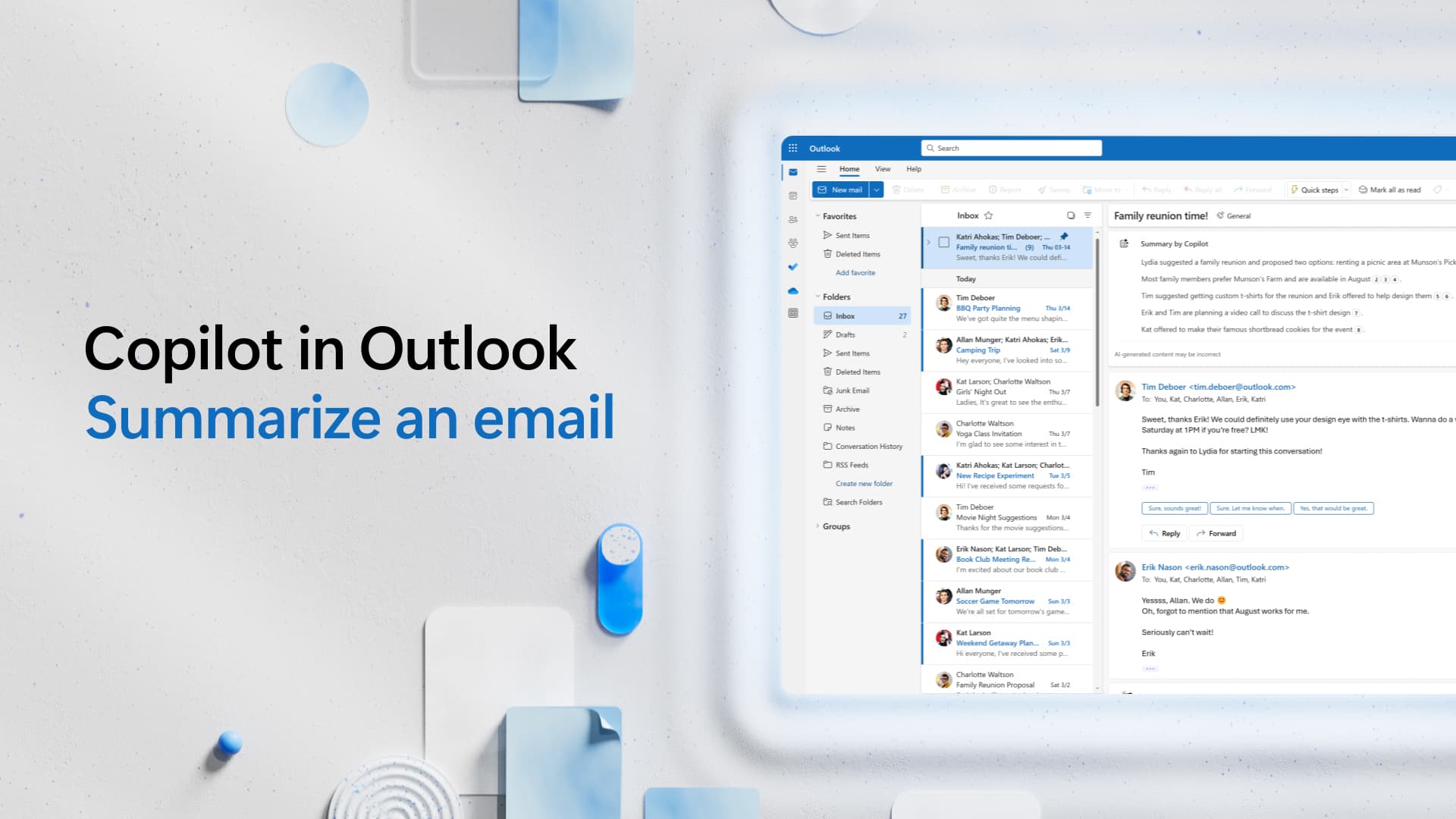
Summarize an Email

Access Tutorial

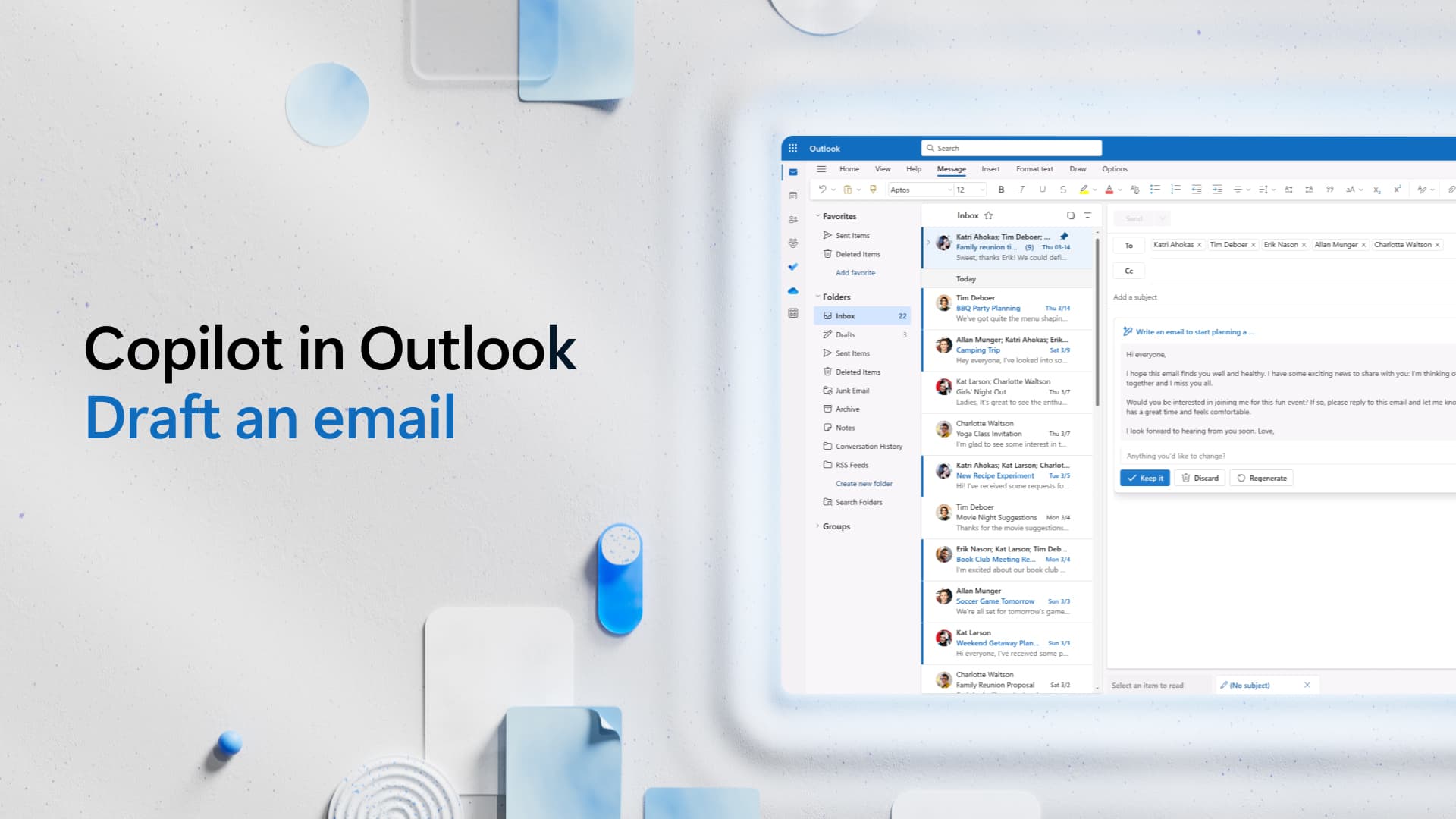
Draft an Email

Access Tutorial

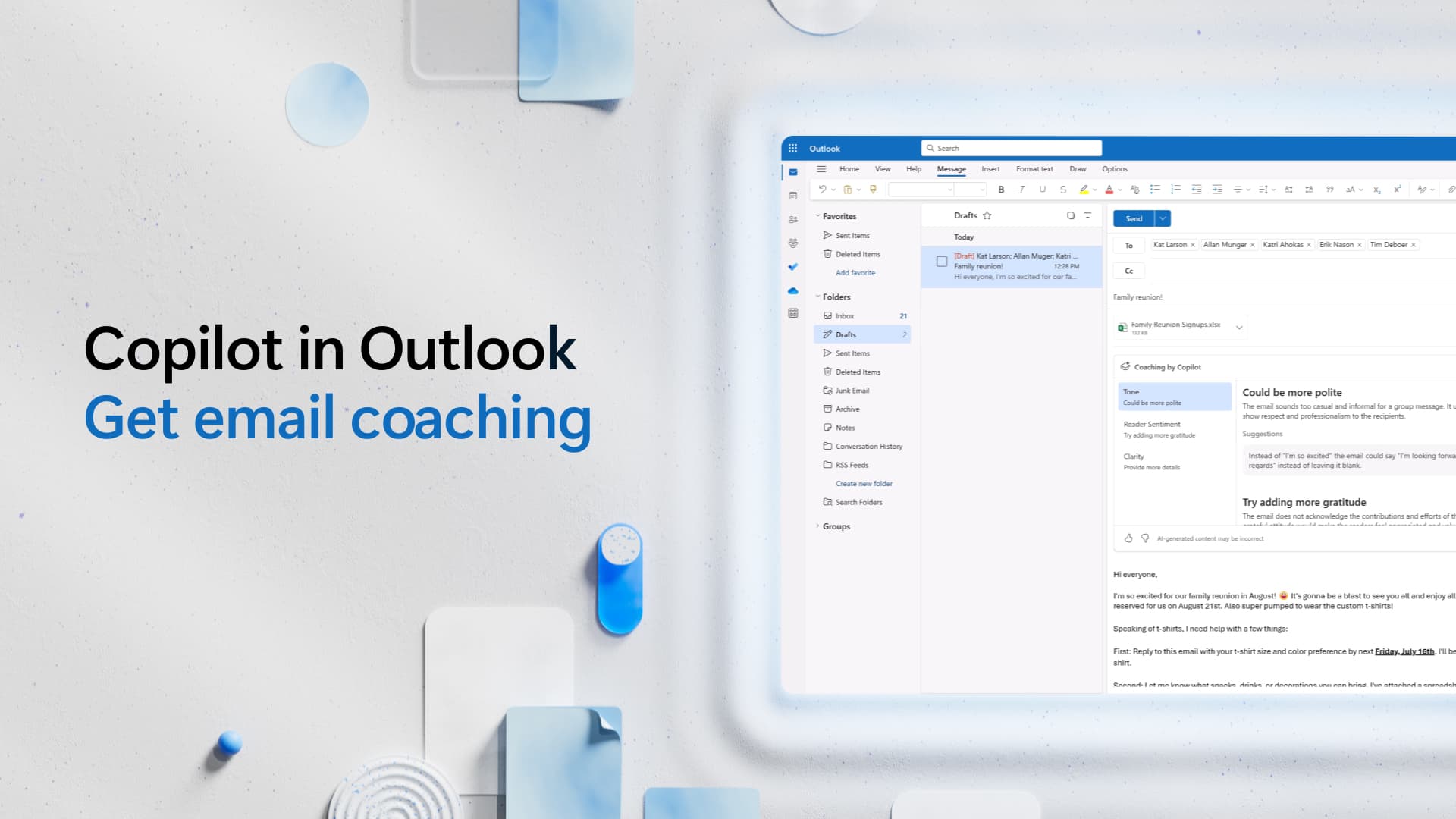
Get Email Coaching

Access Tutorial

Copilot in Word:

Cards

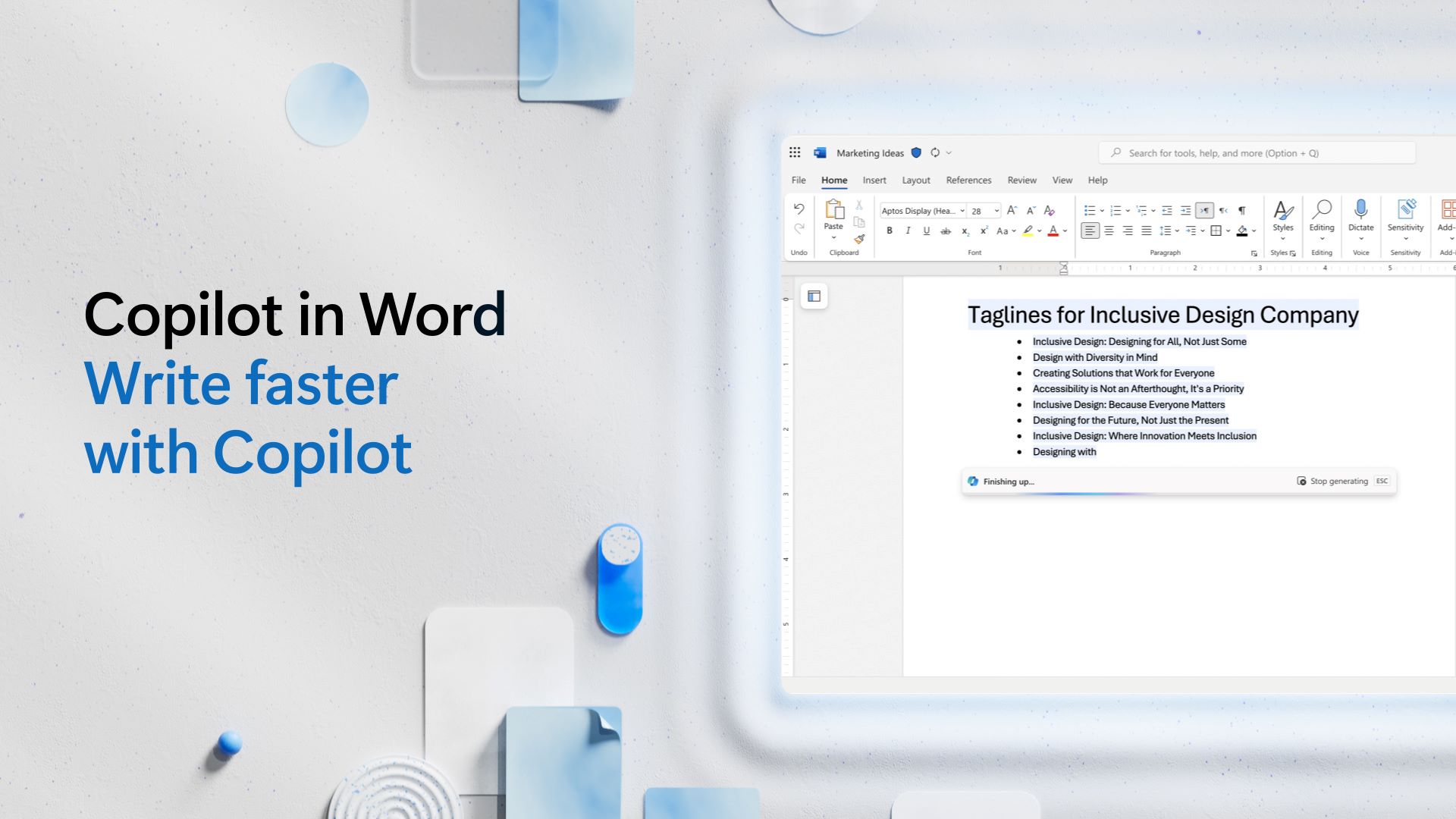
Write Faster

Access Tutorial

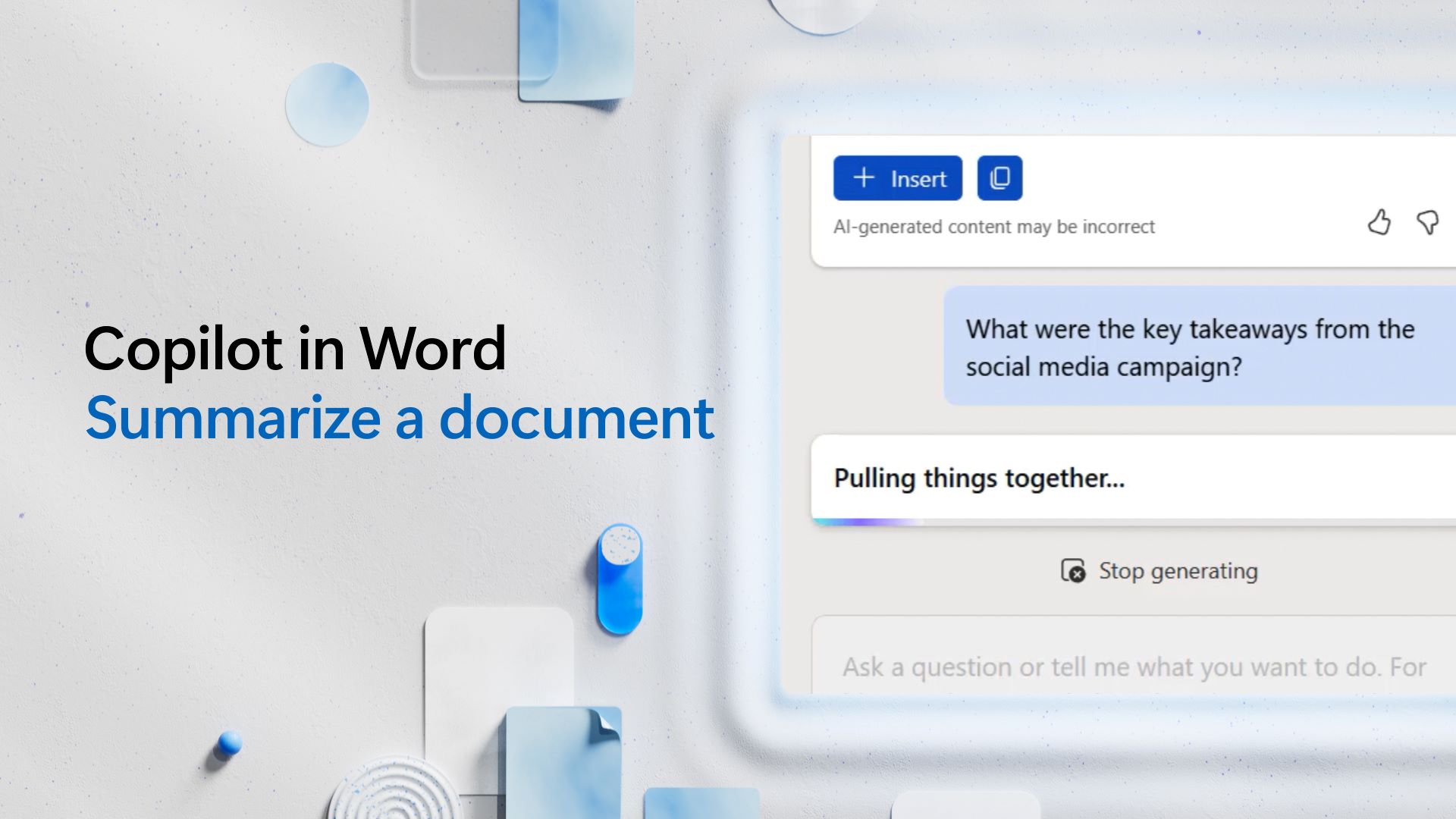
Summarize a Document

Access Tutorial

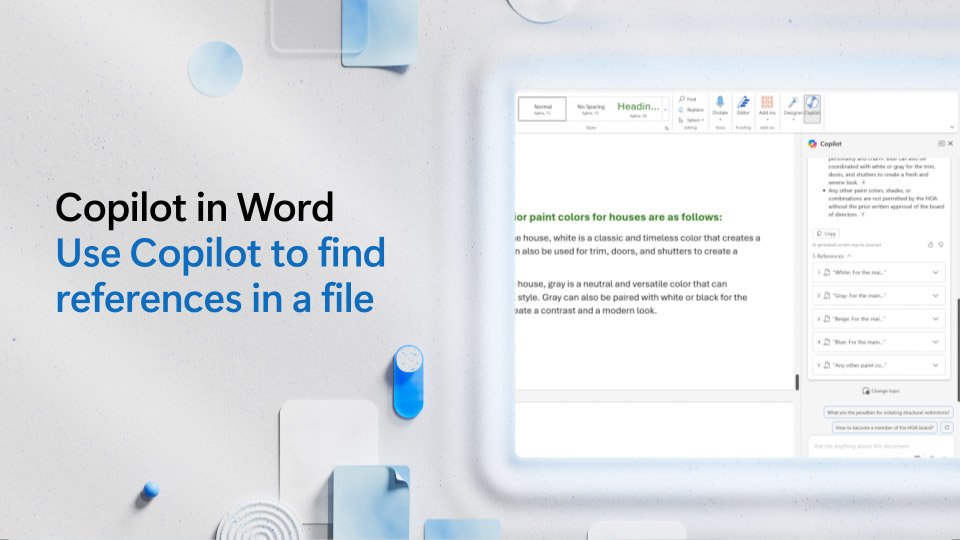
Find Reference in a File

Access Tutorial

Copilot in PowerPoint:

Cards

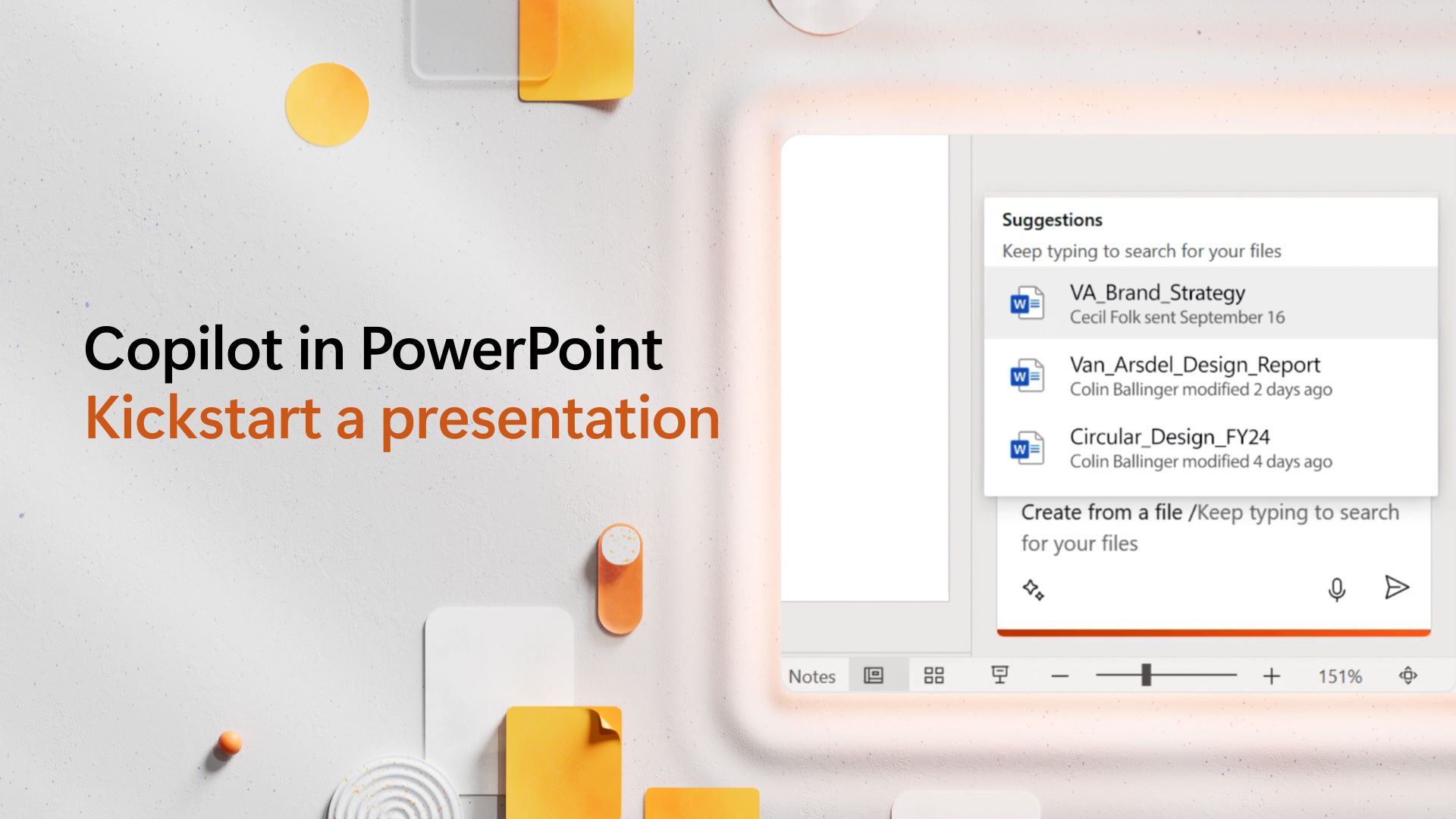
Kickstart a Presentation

Access Tutorial

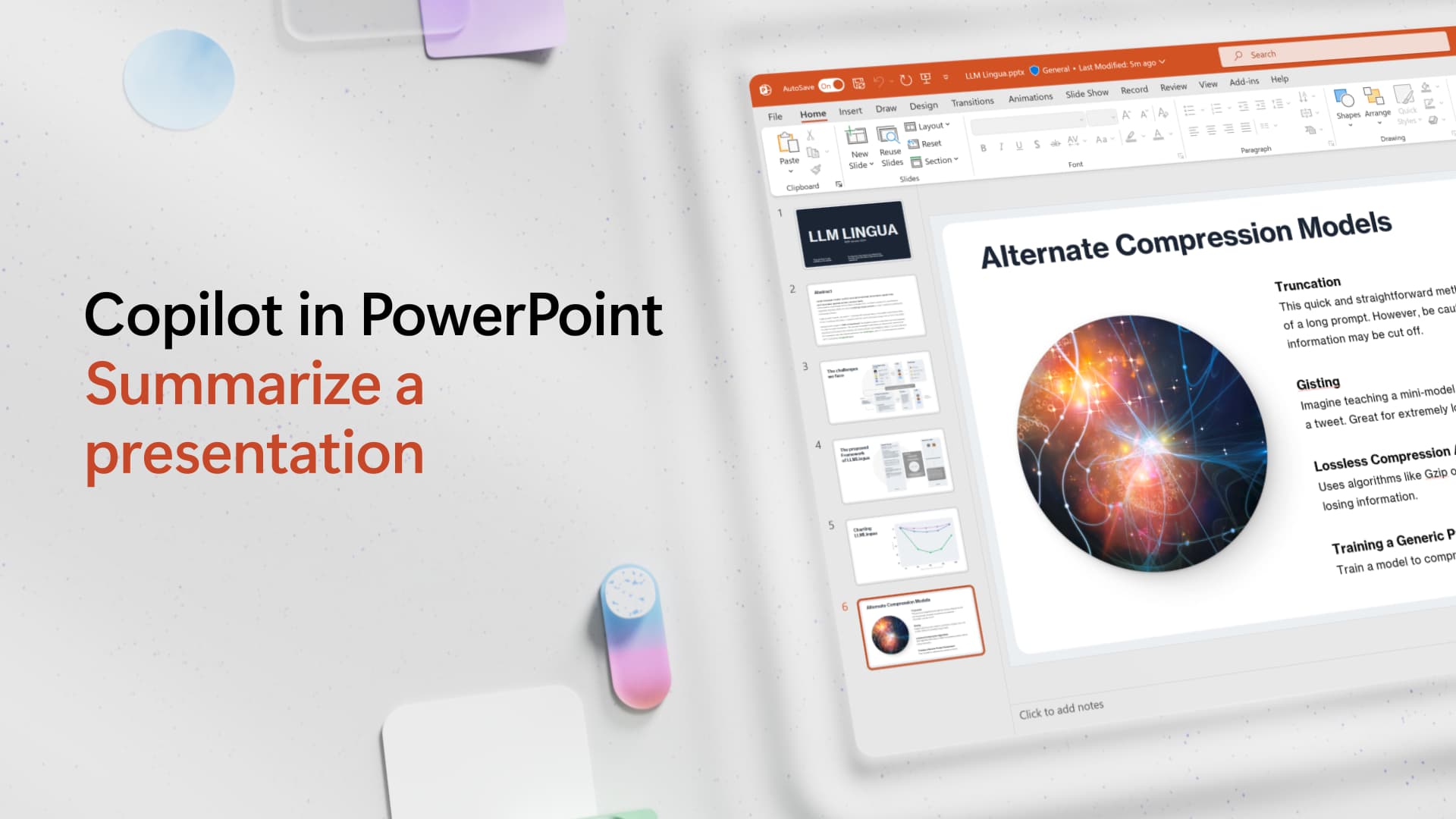
Summarize a Presentation

Access Tutorial

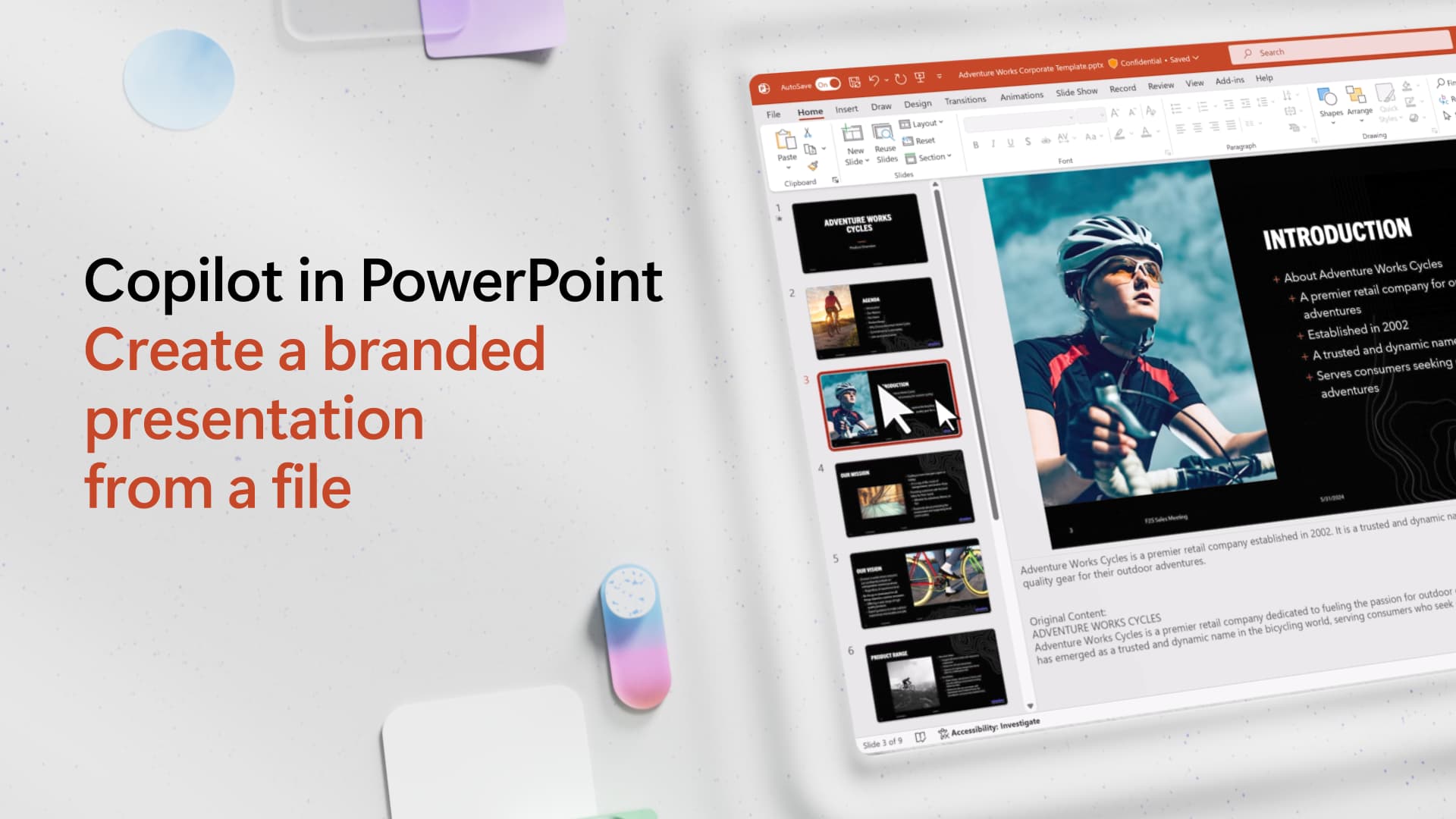
Create a Branded Presentation from a File

Access Tutorial

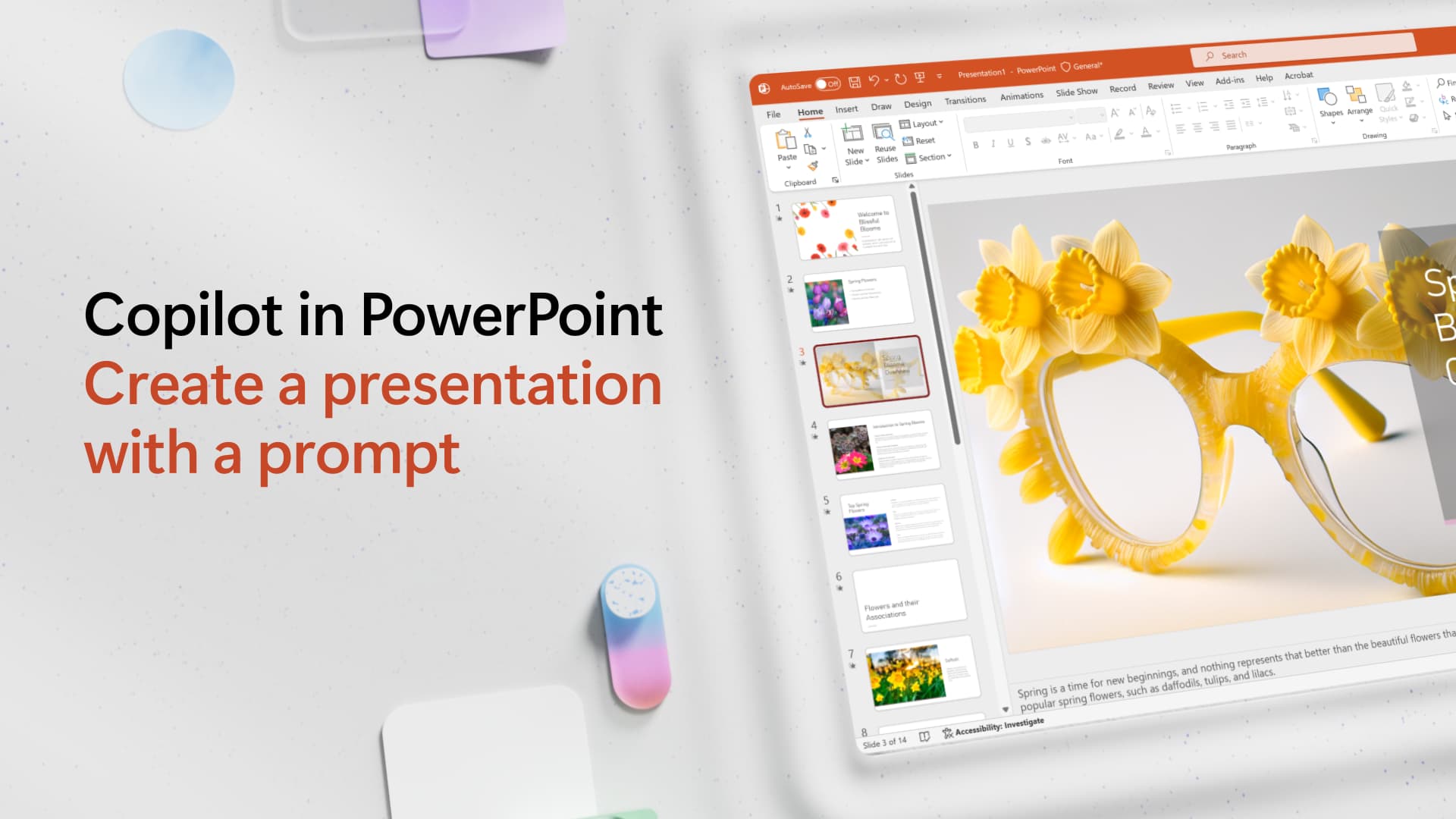
Create a Presentation with a Prompt

Access Tutorial

Copilot in Teams:

Cards

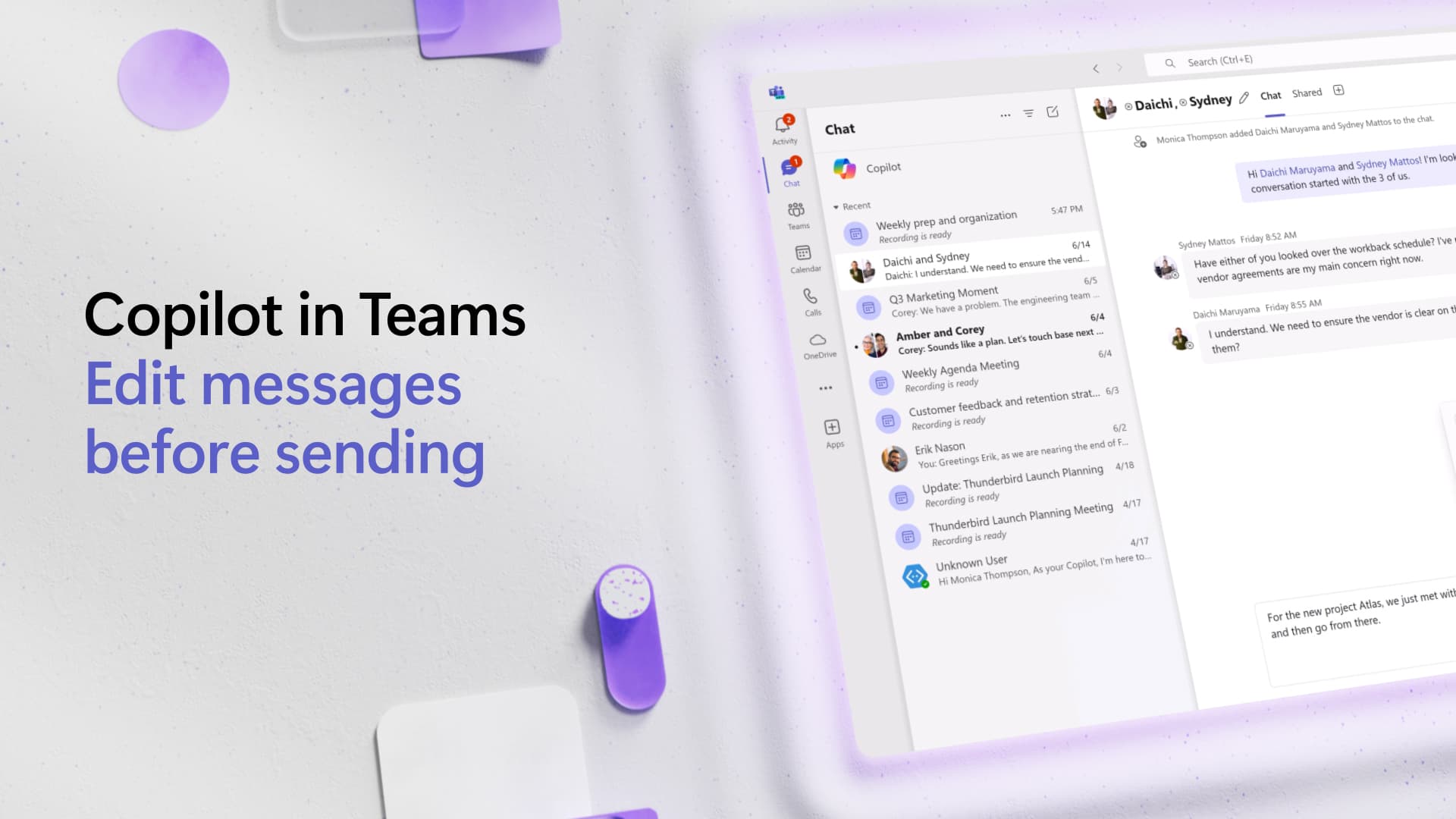
Edit Messages before Sending

Access Tutorial

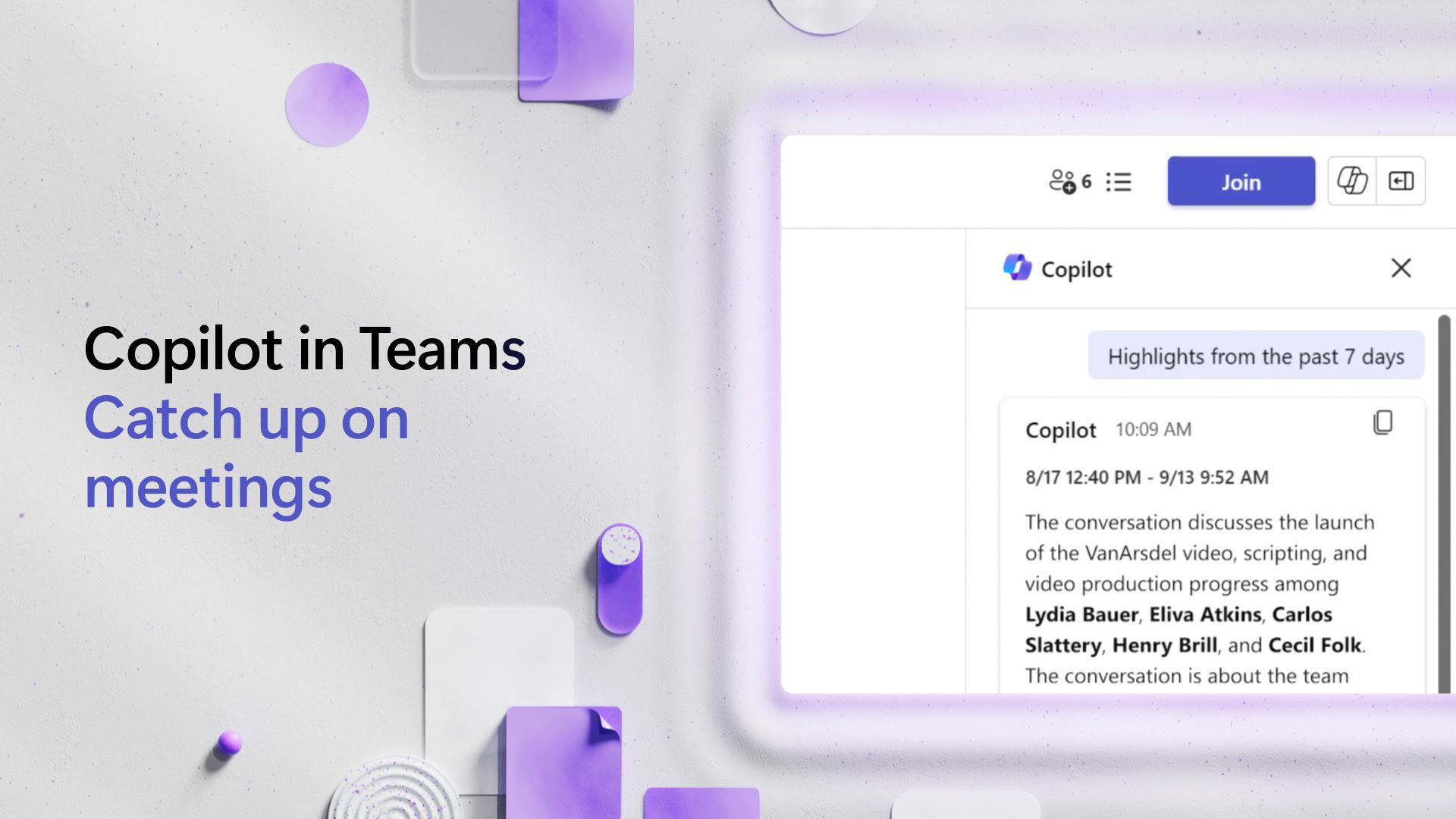
Catch Up on Meetings

Access Tutorial

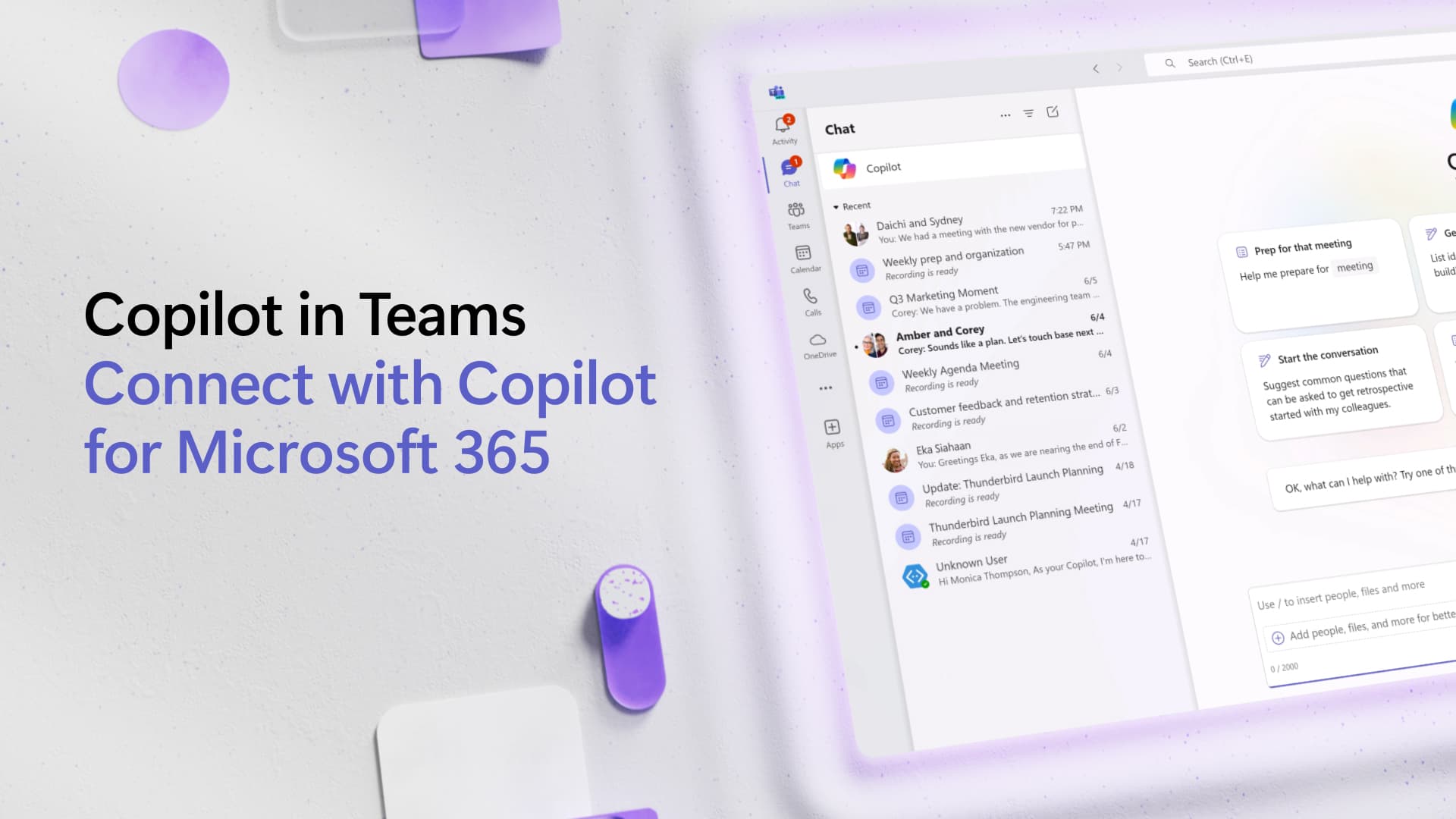
Connect with Copilot in Teams

Access Tutorial

Copilot in OneNote:

Cards

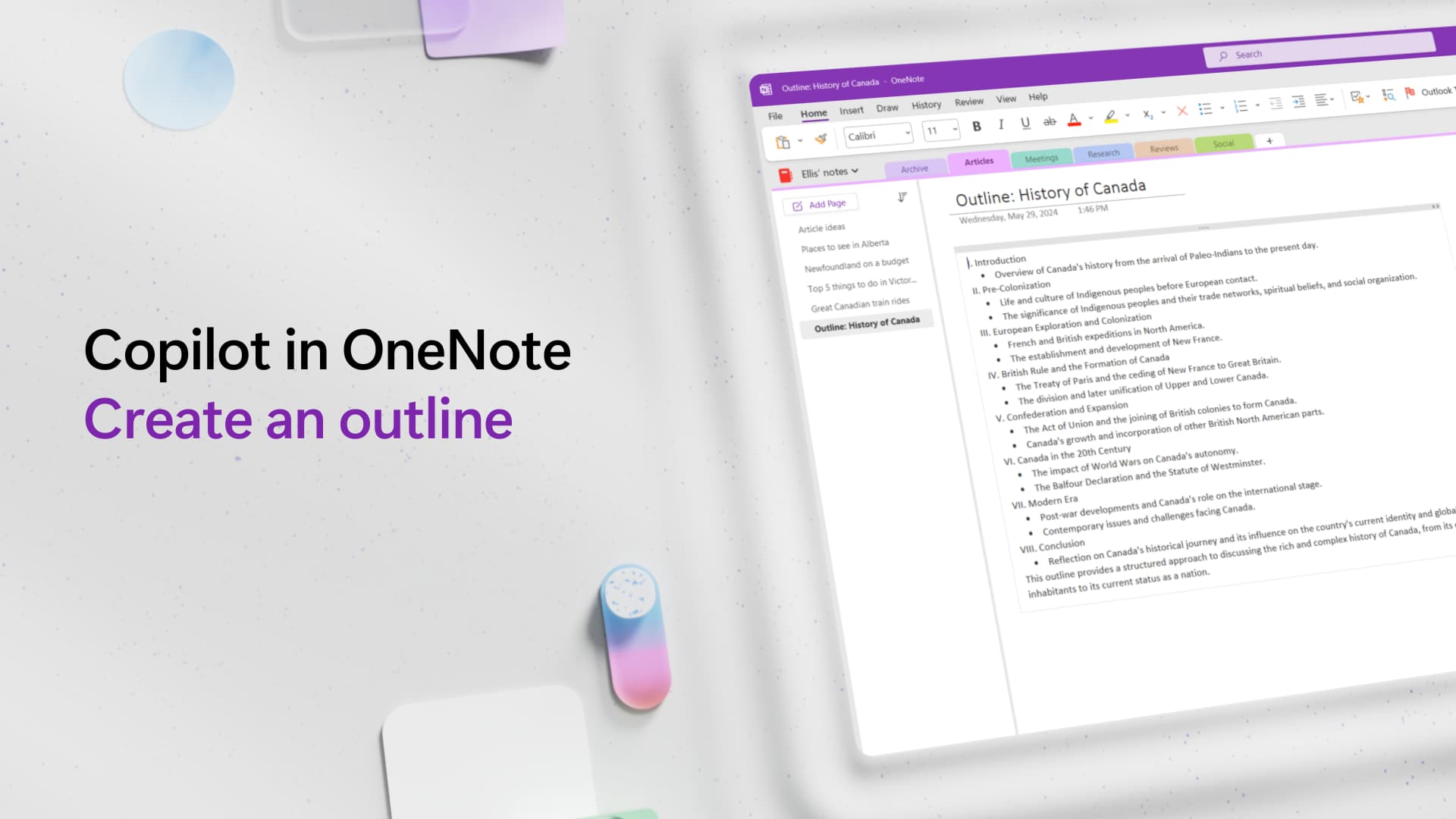
Create an Outline

Access Tutorial

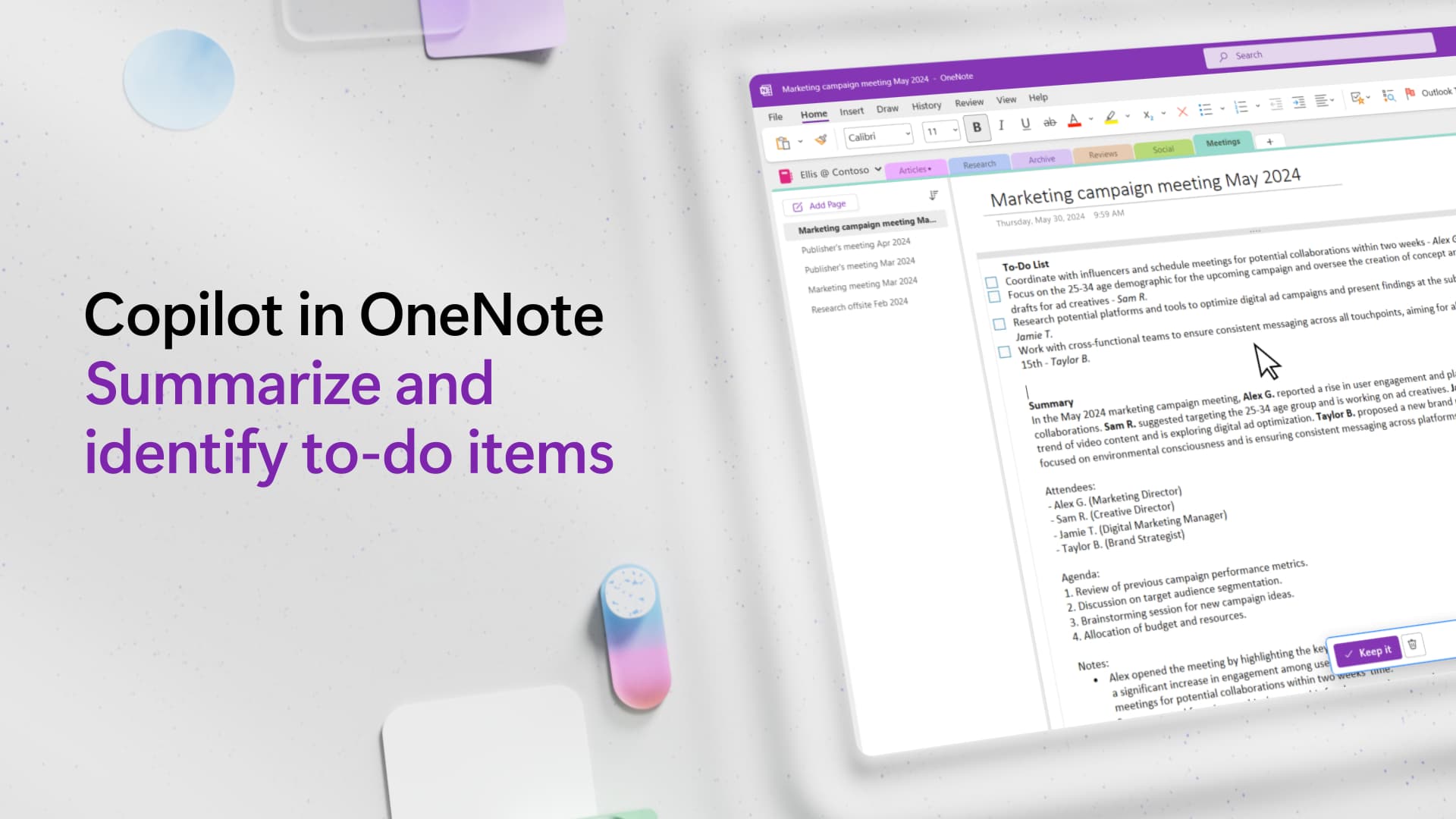
Summarize and Identify To-Do Items

Access Tutorial

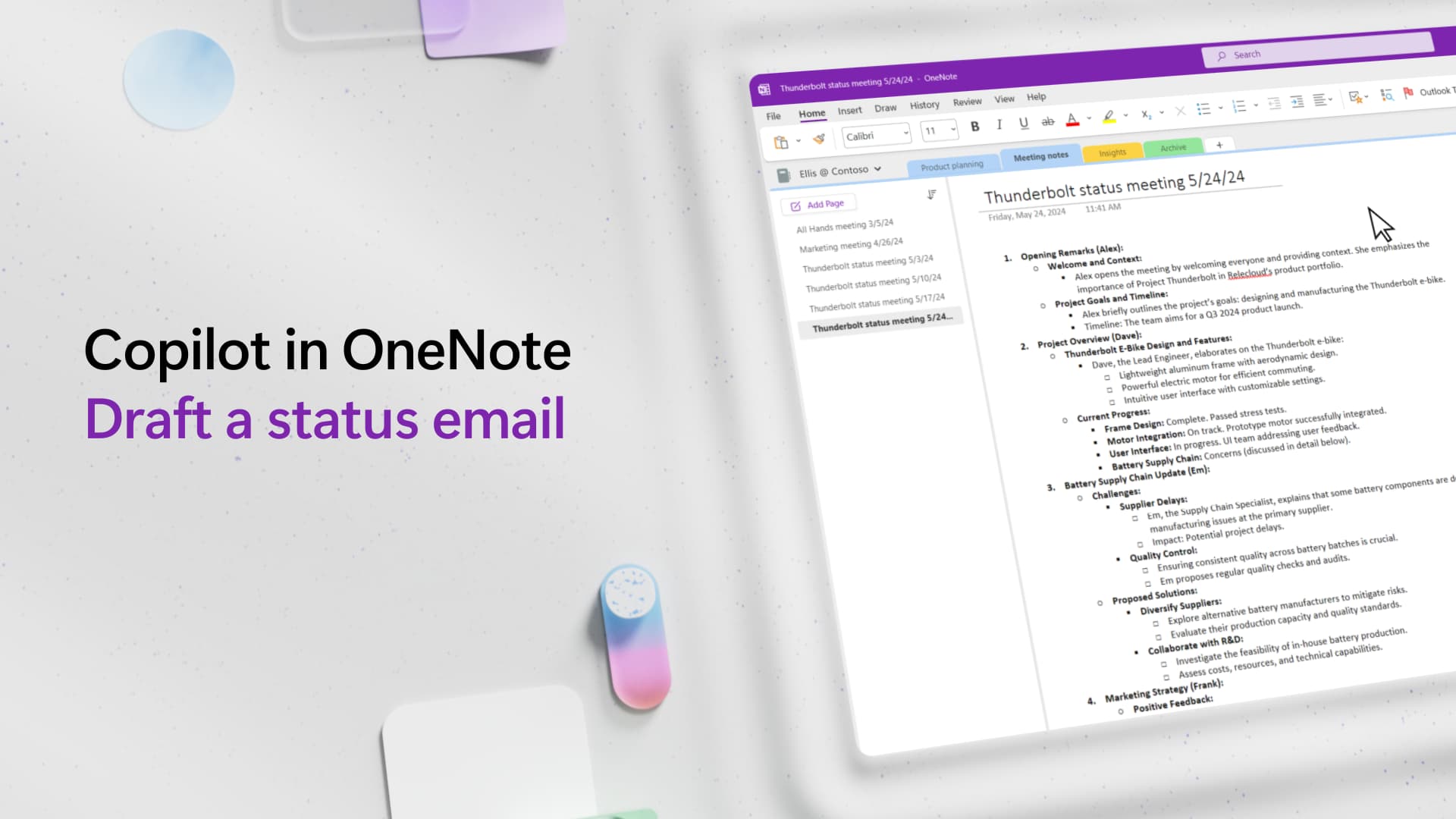
Draft a Status Email

Access Tutorial

Copilot in Additional Tools:

Cards

Draft and Rewrite in Loop

Access Tutorial

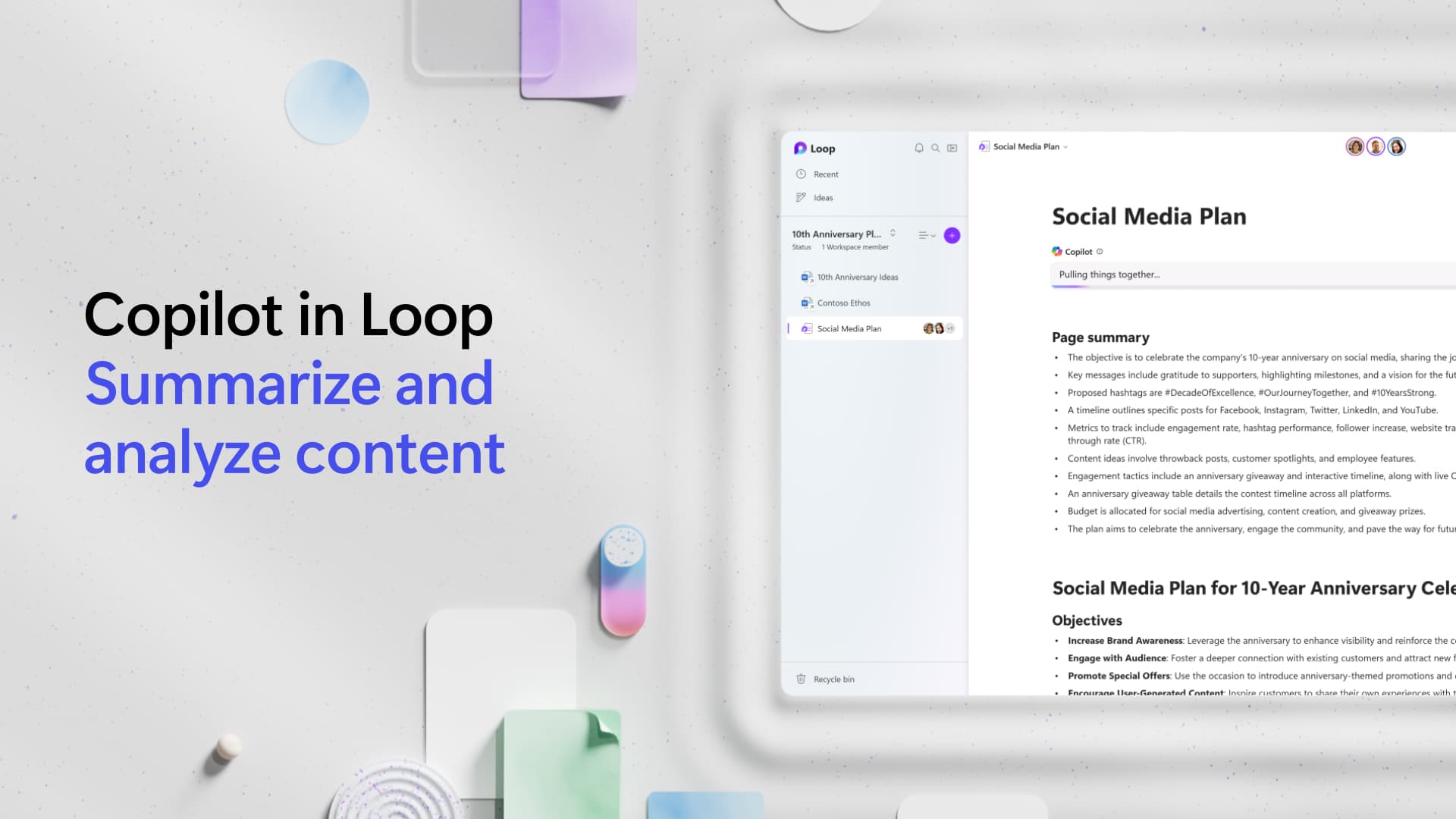
Summarize and Analyze Content in Loop

Access Tutorial

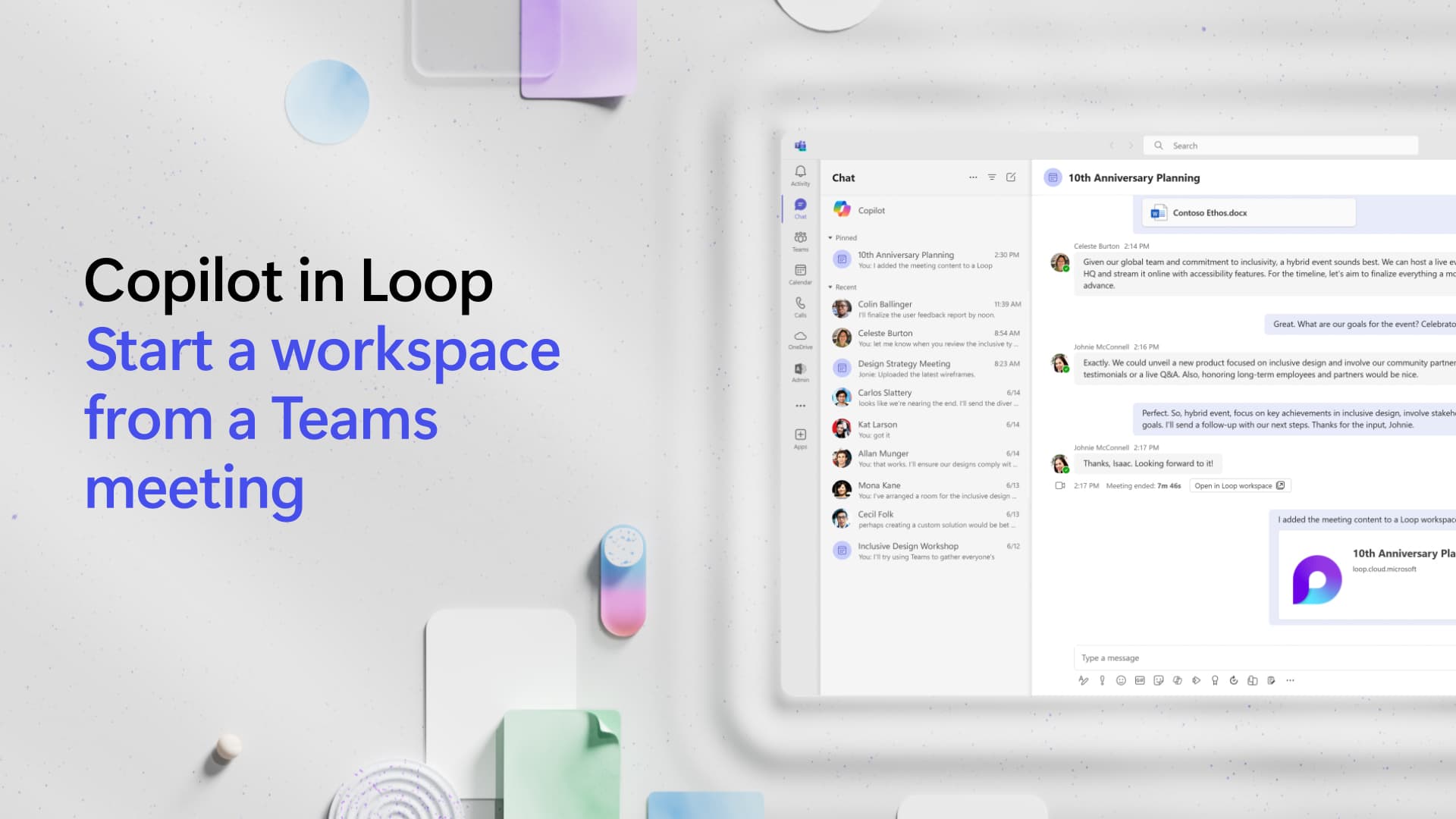
Start a Workspace from a Teams Meeting in Loop

Access Tutorial

Cards

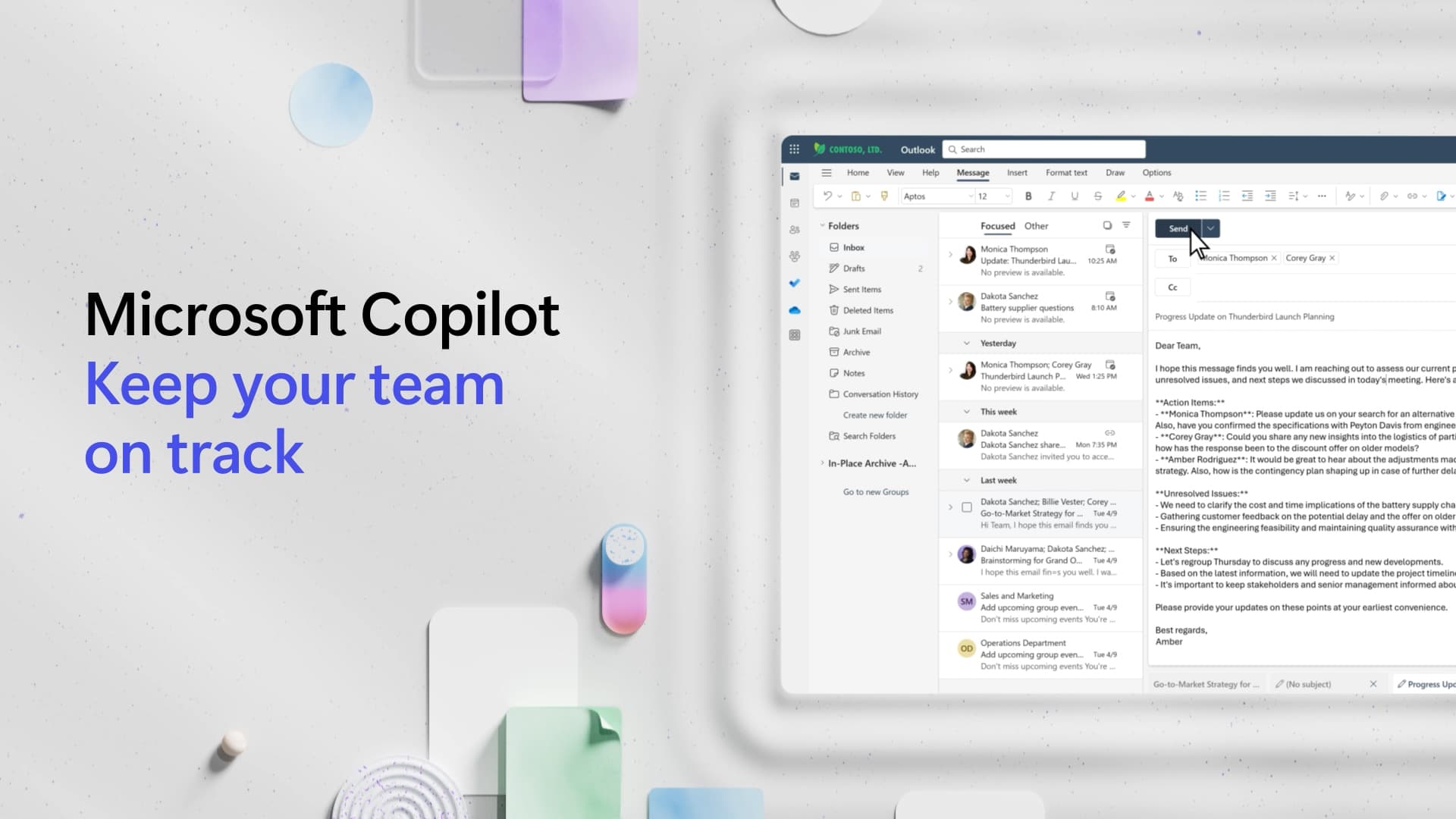
Keep Your Team on Track

Access Tutorial

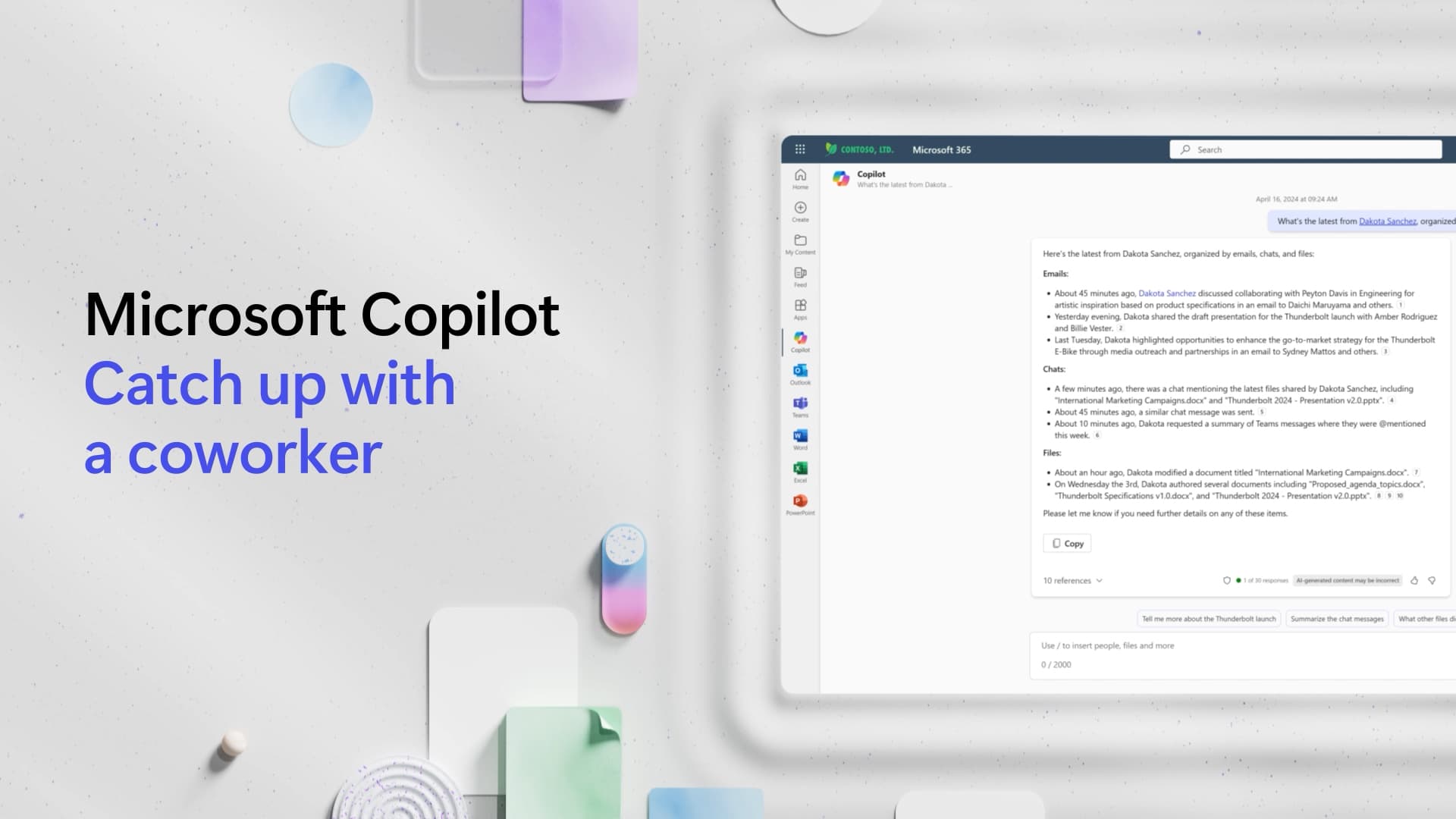
Catch Up with a Coworker

Access Tutorial

Specialized Tutorials

Created by our partners at Microsoft for the University of Miami community.

Access IT's Copilot for Microsoft 365 YouTube Playlist

Cards

Meeting and Collaboration

Enhanced Productivity

Content Generation

Producing Insights from Word Files

Generating an FAQ from a Word Document

Creating Grouped Charts in Excel

Creating Surveys, Forms, and Quizzes with Microsoft Forms

Check if a Document Meets Requirements on the Web

Scan a Page of Notes and Put It in a OneNote Notebook Page

Rewriting a Paragraph to be More Dynamic and Include Bullets

Copilot in Whiteboard

Transitioning from Grammarly

Schedule with Copilot

Email Says "Let's Meet" – Copilot Makes It Happen

How to Make Copilot Sound Like You

Free Online Courses

Explore self-paced courses designed to help you get the most out of Copilot for Microsoft 365, available at no cost to the University of Miami community.

Access the courses below by logging in to LinkedIn Learning with your UM credentials:

  • Microsoft Copilot for Microsoft 365 – Explore how Microsoft Copilot uses natural language processing to help you integrate AI into everyday tasks like writing, researching, analyzing data, and generating code, while learning about its features, benefits, limitations, and best practices.
  • Microsoft Copilot Studio – Learn how to leverage Microsoft Copilot Studio for AI-assisted development, including code generation, error detection, and project management to boost productivity and innovation.
  • Microsoft 365 Copilot and Business Chat – Discover how Copilot can help you create documents, summarize messages, and analyze data from natural language requests in Word, Excel, Outlook, Teams, and PowerPoint.

Discover practical guides, tutorials, and expert insights to help you get the most out of Microsoft Copilotfor 365. Whether you're just getting started or looking to deepen your understanding, O'Reilly's curated resources are here to support your learning—free for the University of Miami community.

Sign in to O'Reilly with your UM credentials to get started: Browse Microsoft Copilot Resources on O'Reilly
Top