


Turn Your Content into Podcasts
Listen and Learn on the Go with Audio Overviews
Create a podcast-like audio summary where two AI hosts discuss, debate, and summarize your class materials.
Learn more about NotebookLM, Google's research and thinking partner built with the latest Gemini models—available for use at the University of Miami.
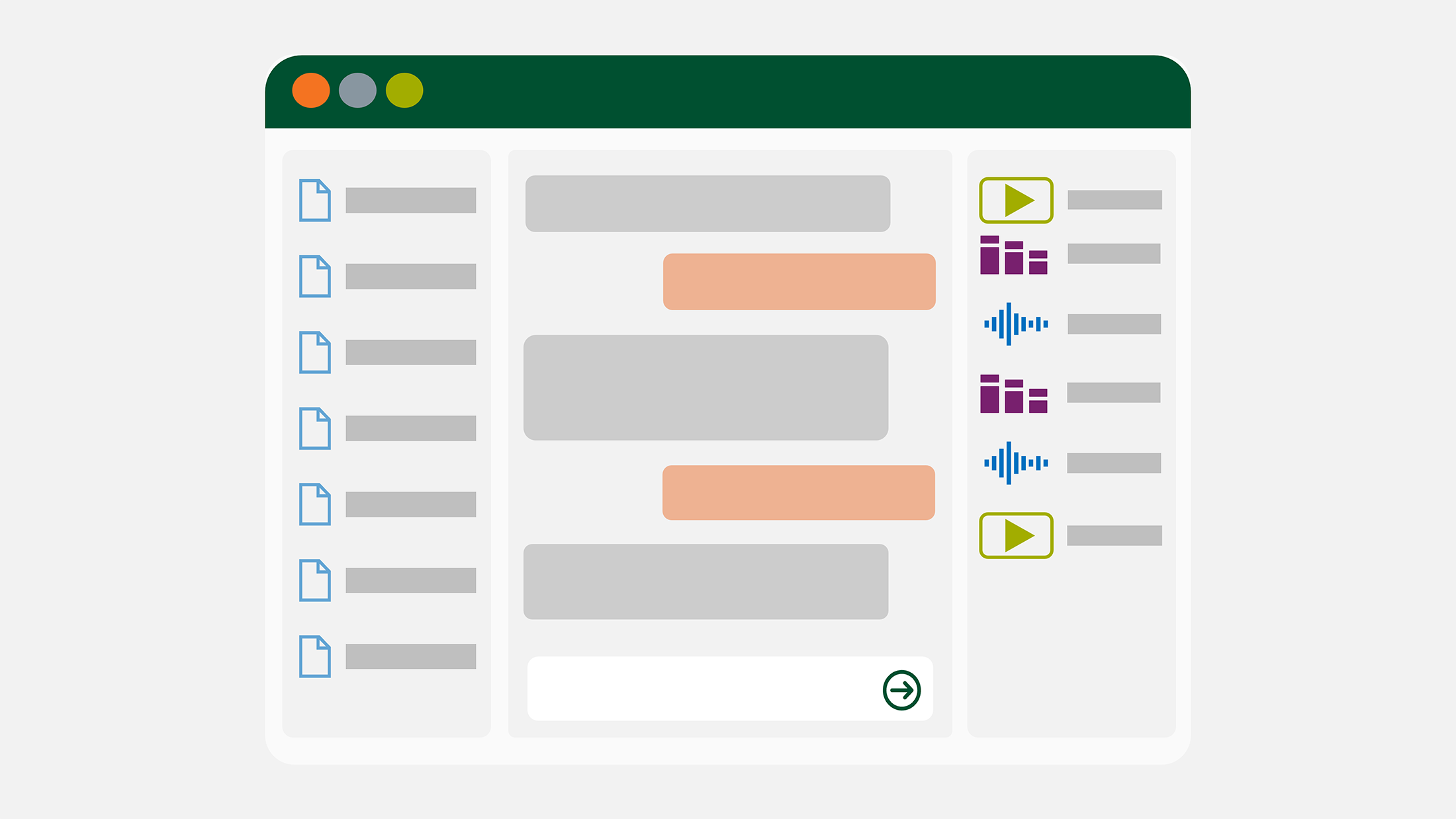
Available for: UM faculty, staff, and students (ages 18+)
Login: notebooklm.google.com
Sign in with your University of Miami credentials (view example)
NotebookLM is a generative artificial intelligence (AI) tool that is grounded only in the information you provide. Upload your course materials and generate summaries, lesson plans, study guides and quizzes—all with in-line citations to ensure accuracy. NotebookLM is available to all University of Miami faculty, staff, and students as part of the institution's Google Workspace for Education Plus license. When you use NotebookLM with your UM account, your data (e.g., uploads, queries, and model responses) is protected under the Google Workspace for Education Privacy Notice. This data is not reviewed by human reviewers and is not used to train Google's general AI models. Review the "Limitations and Advisories" section for more details. To access NotebookLM, visit notebooklm.google.com. Be sure to sign in with your UM Login ID, password, and MFA (view example). Once signed in, you will be taken to your NotebookLM dashboard where you can begin creating new notebooks and uploading sources. NotebookLM usage is limited to 50 queries per user per day.
Overview
NotebookLM is your personal AI-powered research and thinking partner. Students, faculty, and staff can use NotebookLM to enhance research, accelerate learning and knowledge sharing, and streamline administrative tasks.
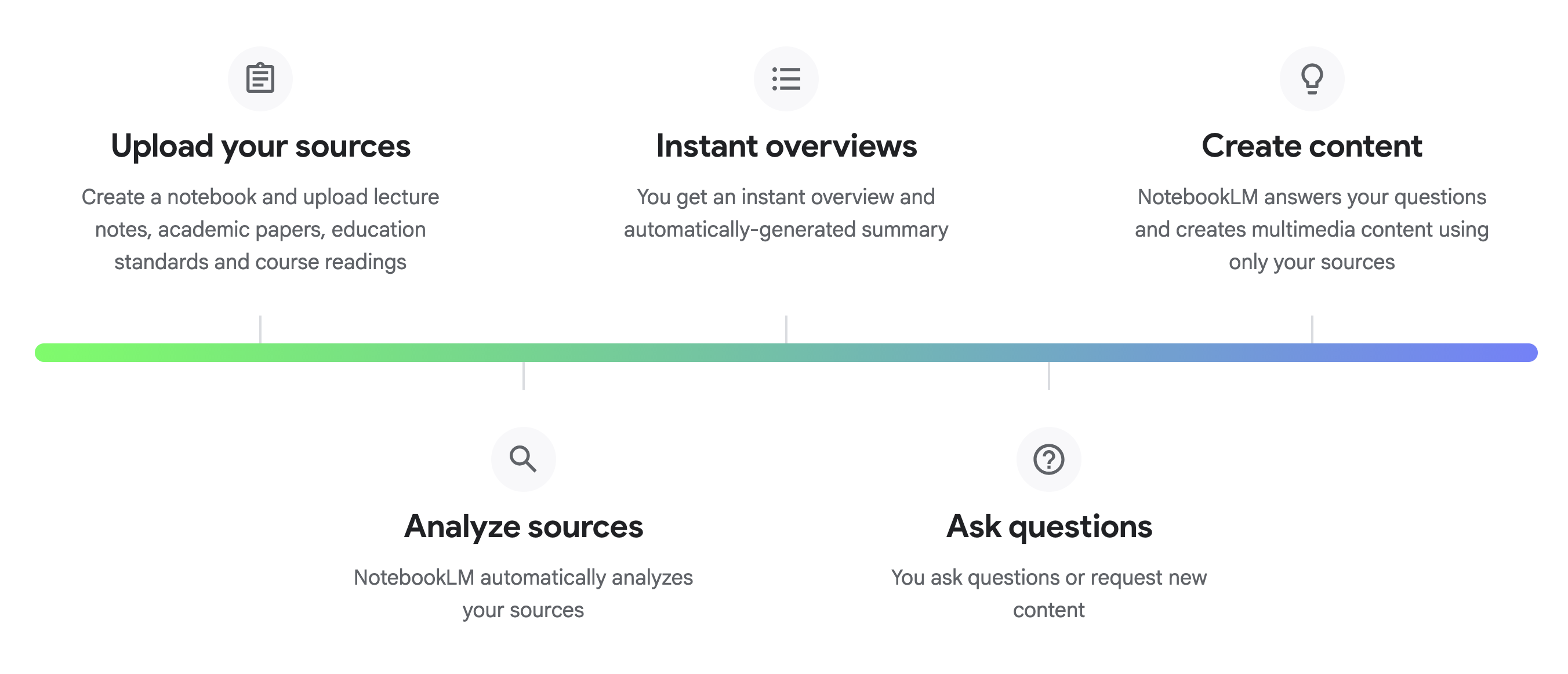
Explore What You Can Do with NotebookLM
Create a podcast-like audio summary where two AI hosts discuss, debate, and summarize your class materials.
Create explainer videos that pull in images, diagrams, and quotes from your documents to help make abstract concepts more tangible and easier to understand.
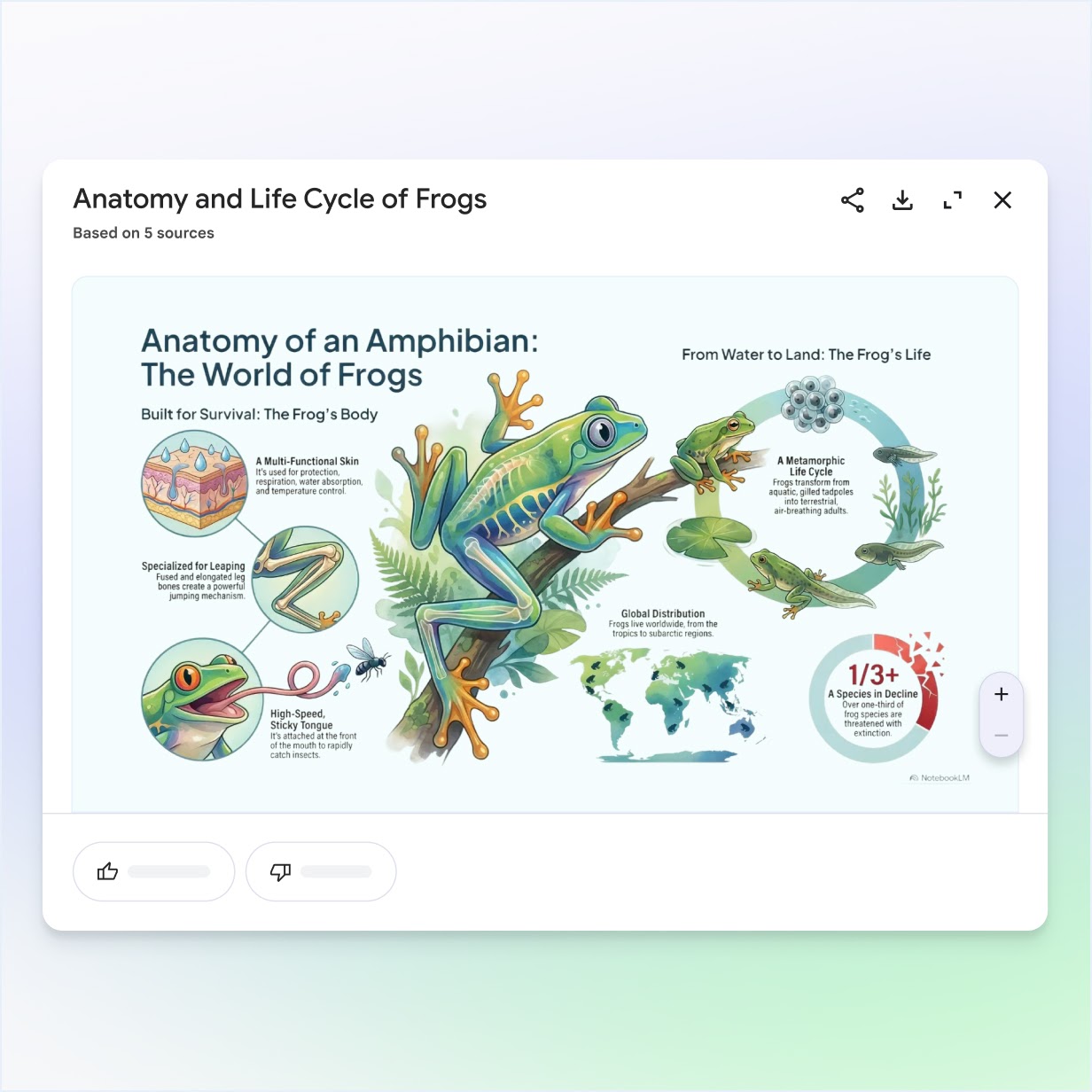
Recap lessons, illustrate topics and explain concepts visually with AI-generated infographics and PDF presentations.
Visually summarize your uploaded sources, showing main topics and related ideas as a branching diagram.
Ask questions about your sources and trust your answers with verifiable, inline citations that link directly back to the original passage in your source documents.
Instantly generate flashcards and interactive practice quizzes based exclusively on the sources you upload.
Create study guides with key terms, sample quizzes (with answer keys), or a list of essay questions.
Study and learn in a new mode that helps you build a deep understanding of your sources instead of just giving quick answers.
Transform your source material into structured, usable formats:
To get the most value from NotebookLM while adhering to University policies, focus on these academic and administrative applications:Recommended Use Cases
Students can upload their class notes, lecture recordings, and required readings to generate flashcards and customized study guides for exams.
Recommended Sources:
Quickly synthesize large volumes of scholarly articles, literature reviews, or case studies to find connections, identify opposing viewpoints, or draft an initial thesis statement.
Recommended Sources:
Upload months of committee meeting minutes (Google Docs) or audio recordings to get a quick summary of decisions made, action items, and outstanding issues.
Recommended Sources:
Compare and contrast different textbooks, pull out key learning objectives, or quickly generate sample quiz questions from syllabus readings.
Recommended Sources:
Generate an outline, key summary points, or FAQs for a funding proposal based on previous successful grants, research documentation, and internal policy documents.
Recommended Sources:
Your use of NotebookLM with your University of Miami account is governed by the Google Workspace for Education Terms of Service, which includes strong privacy protections. Not used: Your uploaded files, chat history, and model outputs are not reviewed by human reviewers and are not used to train Google's generative AI models. No action needed. This protection is automatic. Supports compliance: As a Google Workspace for Education Core Service, NotebookLM is designed to support the University's compliance with the Family Educational Rights and Privacy Act (FERPA). Use caution: Do not upload large files containing sensitive student identifiers just for analysis. Not covered by BAA: NotebookLM is not covered by Google's Business Associate Agreement (BAA) for HIPAA compliance.
Compliance Area
NotebookLM Status (UM Account)
Action Required by User
Data Training
FERPA
HIPAA
Do not upload Protected Health Information (PHI): Do not use NotebookLM for research or clinical documentation that contains patient identifiers.
NotebookLM has established limits to ensure stable performance, which can affect how you organize large research projects.
Note: These limits are subject to change by Google and are generally high enough for most academic or administrative tasks.
NotebookLM has established limits to ensure stable performance, which can affect how you organize large research projects.
For general support, visit the NotebookLM Help site: support.google.com/notebooklm For general inquiries, contact the IT Service Desk.
Technical Support
